

Understanding the basics of wired security cameras
What Sets Wired Security Cameras Apart?
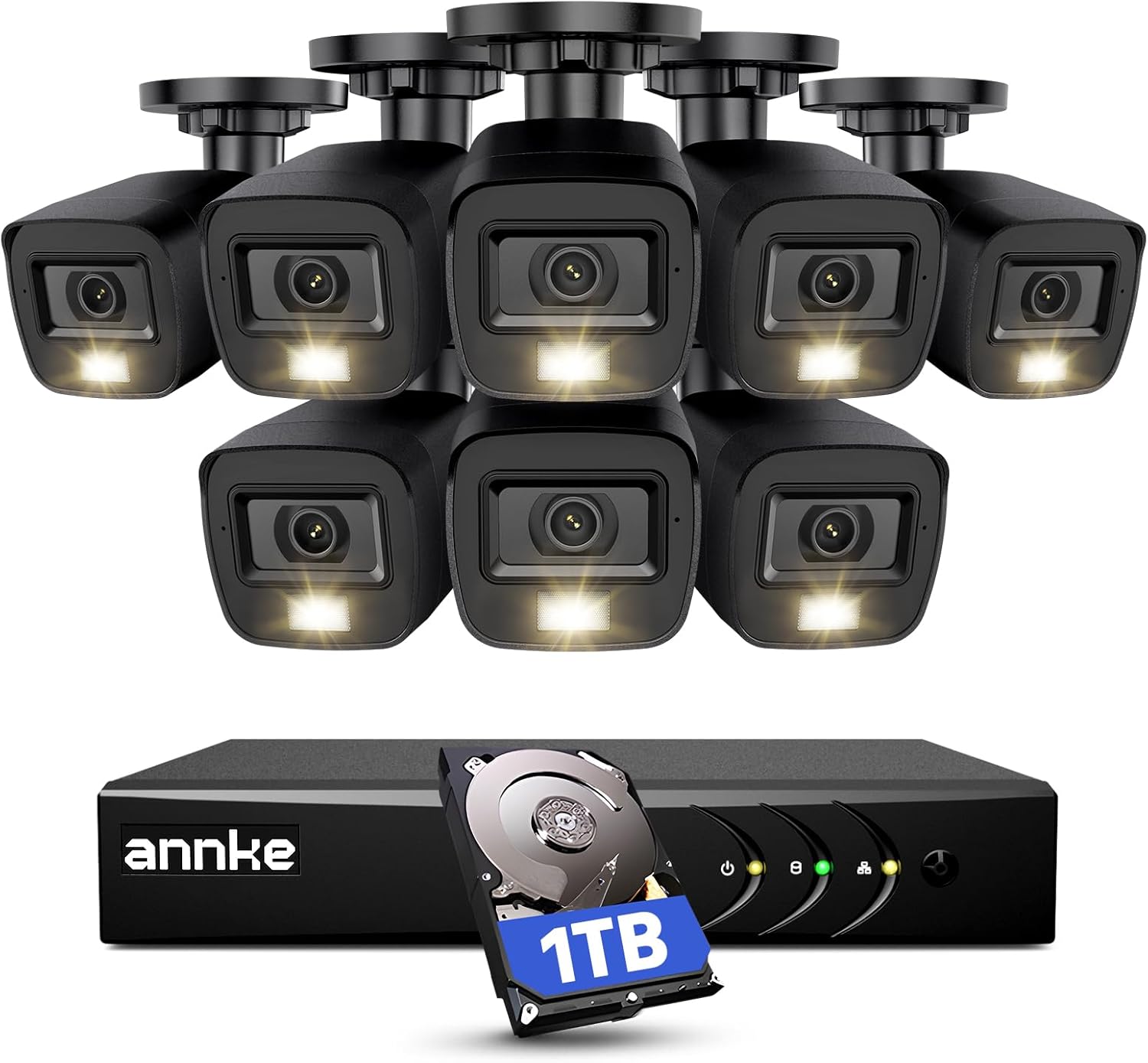
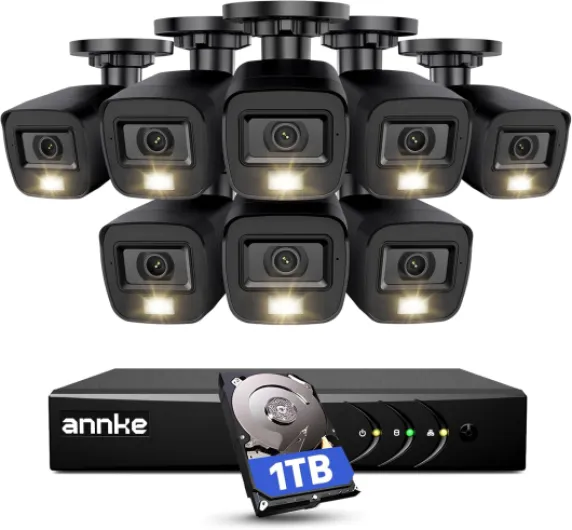
Wired security cameras are a popular choice for homeowners who want a reliable and robust security system. Unlike wireless models, these cameras connect directly to your network or digital video recorder (DVR) using cables, such as Ethernet or coaxial. This direct connection helps maintain a steady video feed and reduces the risk of interference from other devices in your home.
How Wired Cameras Work
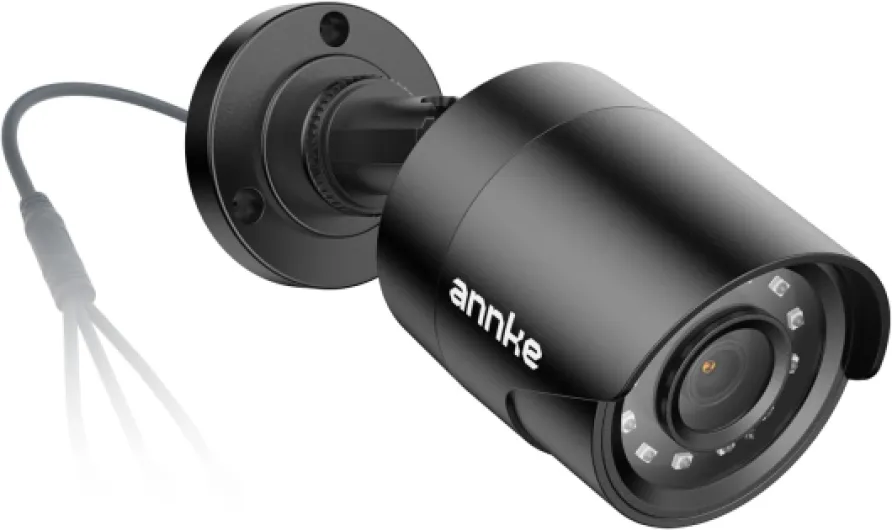
Most wired security cameras use either Ethernet cables (for IP cameras) or coaxial cables (for analog systems). These cables transmit video, and in some cases, audio signals back to a central DVR or network video recorder (NVR). Some systems also support power over Ethernet (PoE), which means the same cable can deliver both power and data, simplifying installation and reducing clutter.
- Ethernet: Used for IP cameras, supports high-definition video and sometimes audio channel transmission.
- Coaxial: Common in traditional DVR security systems, often paired with a separate power cable.
- Power over Ethernet (PoE): Allows you to save on extra wiring by combining power and data in one cable.
For a deeper dive into choosing the right cable for your CCTV security camera, check out this guide on security camera cables.
Types of Wired Security Cameras
There are several types of wired cameras available, each designed for specific needs:
- Outdoor cameras: Built to withstand weather and provide night vision for 24/7 monitoring.
- Indoor cameras: Focused on monitoring entry points or sensitive areas inside your home.
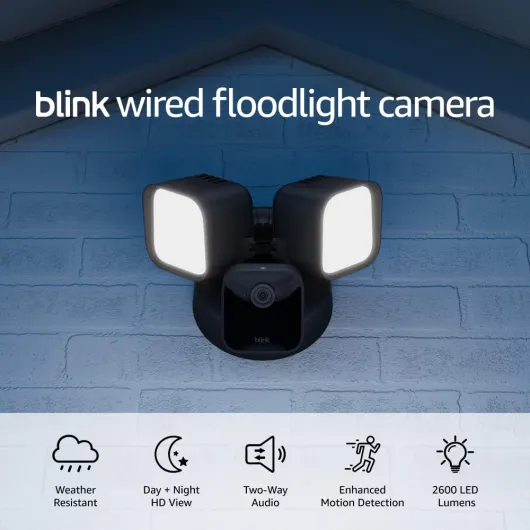
- Deterrence cameras: Equipped with lights or sirens to scare off intruders.
Key Features to Consider
- Resolution: Higher resolution cameras offer clearer images, which is crucial for identifying details.
- Night vision: Essential for outdoor and low-light areas.
- Audio: Some models include audio recording or two-way communication.
- Storage: Wired systems often use a hard drive in the DVR or NVR, allowing for continuous recording and easy playback.
- Channel DVR: The number of cameras your DVR can support—important for expanding your system.
Comparing Price and Value
The price of wired security cameras varies based on features, brand, and the number of cameras in the system. Brands like Lorex and ADT offer a range of options, from basic units to advanced deterrence cameras with smart features. When comparing regular price, sale price, and unit price, consider the total cost of ownership, including installation and any ongoing maintenance. Cameras often go on sale, so keep an eye out for price sale events to save on your purchase.

Key benefits of choosing a wired security camera
Why Wired Security Cameras Stand Out
When considering a security system for your home, wired security cameras offer several advantages that set them apart from wireless options. These cameras are known for their reliability and consistent performance, making them a popular choice for homeowners who prioritize uninterrupted surveillance.
- Stable Connection: Wired cameras use ethernet cables or coaxial connections, which means you don’t have to worry about Wi-Fi interruptions or signal loss. This is especially important for outdoor cameras where a stable feed is crucial.
- Continuous Power Supply: Unlike battery-powered units, wired security cameras are powered directly through the system, so you won’t face downtime due to dead batteries. This ensures your security camera is always active, day and night.
- High-Quality Video and Audio: Wired deterrence cameras and systems with DVR security can support higher resolution video and multi-channel audio, providing clearer footage and better sound. This is particularly useful for identifying details in night vision recordings.
- Expanded Storage: Many wired systems, such as those from Lorex, come with a hard drive for local storage. This allows you to save weeks or even months of footage without relying on cloud subscriptions. A DVR security system with a large hard drive is ideal for those who want to keep their recordings private and accessible.
- Cost Efficiency: While the regular price of a wired system may seem higher upfront, the long-term savings are notable. You avoid recurring cloud storage fees, and cameras sale events can help you secure a lower unit price or sale price on quality equipment. Comparing price regular to price sale can help you find the best deal.
Comparing Wired and Wireless: What to Consider
Wired security cameras are often preferred for larger properties or when you need a multi-camera setup. Systems like a 16 channel DVR with power over ethernet (PoE) can support several cameras across your home, all managed from one central unit. This makes it easier to scale your security system as your needs grow.
For those interested in exploring the benefits of wireless options, including integrated monitors, you can find more information in this guide to wireless cameras with integrated monitors.
| Feature | Wired Security Cameras | Wireless Security Cameras |
|---|---|---|
| Connection | Ethernet/Coaxial | Wi-Fi |
| Power Source | Direct Wired | Battery/Plug-in |
| Storage | Hard Drive/DVR | Cloud/SD Card |
| Reliability | High | Variable |
| Price (Unit/Regular/Sale) | Higher upfront, lower long-term | Lower upfront, possible ongoing fees |
Choosing a wired security camera system means investing in a solution that offers robust performance, reliable night vision, and secure storage. Whether you’re looking at Lorex wired systems, ADT packages, or other brands, considering the price sale and features like audio channel support and deterrence cameras can help you make the right decision for your home’s safety.
Installation challenges and tips for wired systems
Preparing for a Smooth Wired Camera Installation
Setting up a wired security camera system at home is a solid choice for reliability and consistent performance. However, the installation process can be more demanding compared to wireless options. Here’s what you should know to avoid common pitfalls and make the most of your investment.
- Planning Camera Placement: Before drilling any holes, map out where each camera will go. Consider areas that need night vision, outdoor coverage, or audio features. Wired deterrence cameras are best placed at entry points for maximum security.
- Cable Management: Wired security cameras rely on cables for both power and data. Running ethernet or coaxial cables through walls, attics, or crawl spaces can be tricky. Using quality cables and planning the shortest, most discreet routes helps maintain a clean look and strong signal. For more on cable choices, check out this guide on the benefits of Axis security cameras.
- DVR and Hard Drive Setup: Most wired systems use a DVR (Digital Video Recorder) to store footage. Make sure your DVR has enough channels for all your cameras and a hard drive with sufficient capacity. For example, a 4-channel DVR is suitable for small homes, while larger properties may need an 8 or 16-channel DVR security system.
- Power Over Ethernet (PoE): Some modern wired cameras support PoE, which means you only need one cable for both power and data. This can simplify installation and save on costs, especially if you’re buying cameras on sale or looking for the best price per unit.
- Weatherproofing Outdoor Cameras: If you’re installing outdoor cameras, make sure all connections are weather-sealed. Lorex wired cameras and similar models often come with outdoor-rated cables and enclosures, but double-check to avoid water damage.
Tips for a Hassle-Free Experience
- Test Before Finalizing: Temporarily connect each camera and check the video and audio quality before permanently mounting them. This helps you adjust angles and settings for the best coverage.
- Label Everything: Label each cable and camera location. This makes future troubleshooting much easier, especially if your system grows over time.
- Consider Future Expansion: When choosing your DVR and hard drive, think about adding more cameras later. Buying a slightly larger system during a sale can save you money in the long run.
Wired security cameras can be a bit more challenging to install than wireless ones, but the trade-off is often worth it for the stability, regular price savings over time, and advanced features like night vision and multi-channel audio. With careful planning and the right equipment, you’ll have a robust security system that integrates well with your smart home setup.
Privacy and data security considerations
How Your Footage Is Stored and Protected
When you invest in a wired security camera system, understanding how your data is handled is crucial. Most wired cameras, including popular brands like Lorex and ADT, store footage locally on a hard drive or DVR. This setup means your video is less exposed to online threats compared to cloud-only systems. However, you should still secure your DVR or NVR with strong passwords and keep the firmware updated to prevent unauthorized access.
Privacy Risks and How to Minimize Them
Even with a wired system, privacy concerns exist. For example, if your DVR security system is connected to your home network via ethernet, it could be vulnerable if your network isn’t secure. Regularly update your router’s firmware, use unique passwords, and consider network segmentation to keep your security cameras isolated from other smart devices. If your system supports audio recording, check local laws about audio surveillance to avoid legal issues.
Who Can Access Your Security Footage?
Access to your footage depends on your system’s configuration. Some wired deterrence cameras allow remote viewing through mobile apps, which can be convenient but also introduces risks if login details are weak or reused. Limit access to only those who need it, and review user permissions regularly. For outdoor cameras with night vision, ensure that only trusted individuals can view or download sensitive footage, especially if your system is set up for continuous recording.
Data Retention and Deletion
Wired security systems typically overwrite old footage automatically when the hard drive is full. Check your system’s settings to understand how long your data is kept and whether you can manually delete recordings. This is important for both privacy and compliance with local regulations. If you’re considering a system upgrade, compare the regular price and sale price of units with larger hard drives or more audio channels to save money in the long run.
- Always change default passwords on your DVR or NVR
- Keep your security system’s software up to date
- Limit remote access and use strong authentication methods
- Be aware of the laws regarding audio and video recording in your area
By taking these steps, you can maximize the privacy and security of your wired cameras, whether you’re monitoring your home’s outdoor areas or integrating with other smart devices. Remember, the right balance between convenience and privacy protection is key when choosing a wired security camera system.
Integrating wired security cameras with smart home devices
Making Wired Cameras Work with Your Smart Home
Today’s wired security cameras are more than just simple video recorders. Many homeowners want their security system to work seamlessly with other smart devices, like lights, alarms, and voice assistants. While wireless cameras often advertise easy integration, wired models can also connect with smart home setups—if you know what to look for.
- Compatibility: Not all wired cameras or DVR security systems are designed to work with smart home platforms. Before buying, check if your chosen camera or system supports integration with devices like Alexa, Google Assistant, or Apple HomeKit. Brands like Lorex wired and ADT offer some models with these features, but always confirm the details.
- Network Connection: Wired deterrence cameras that use Power over Ethernet (PoE) can often be added to your home network, making it easier to control them through smart home apps. Ethernet connections also help with faster video transfer and more reliable night vision performance.
- Audio and Alerts: Some wired security cameras include two-way audio, letting you communicate through your camera using your phone or smart speaker. This is useful for outdoor deterrence or talking to visitors. Make sure your system supports audio channels if this is important to you.
- Automation: With the right setup, you can automate actions. For example, your smart lights could turn on when your outdoor camera detects motion at night, or your DVR security system could send alerts to your phone or smart display.
What to Watch Out For
- Setup Complexity: Integrating wired cameras with smart home devices can be more complex than with wireless models. You may need to adjust settings in both your camera’s app and your smart home platform.
- Firmware and Updates: Regular updates are crucial for security and compatibility. Check that your camera’s manufacturer provides ongoing support, especially if you want to keep your system working with new smart devices.
- Price Considerations: Adding smart features to a wired security system can affect the unit price. Compare the regular price and sale price of cameras and DVRs with and without smart integration. Sometimes, a cameras sale can help you save on higher-end models with more features.
When shopping for a wired security camera system, consider how it will fit into your existing smart home. Look for features like night vision, audio channel support, and compatibility with your preferred platform. This way, you can build a security system that’s both reliable and smart, without paying more than you need to.
Troubleshooting common issues with wired security cameras
Quick fixes for common camera issues
If your wired security cameras suddenly stop working, it’s often something simple. Start by checking the power and ethernet connections. Loose cables or unplugged wires are a frequent cause of outages. For systems using DVR security setups, ensure the DVR unit is powered and the hard drive is functioning. Sometimes, a quick reboot of the DVR or NVR can restore normal operation.Addressing night vision and audio problems
Night vision not working? Make sure the camera lens is clean and free from obstructions. Outdoor cameras can collect dust or cobwebs, which block infrared lights. For audio issues, confirm that your audio channel is enabled in the camera settings. Some models, like Lorex wired deterrence cameras, require you to activate audio features manually.Dealing with recording and storage errors
If your security system isn’t recording, check the hard drive status in your DVR. A full or failing drive can prevent new footage from being saved. Replacing or formatting the drive may be necessary. Also, verify that your system’s channel DVR settings match the number of cameras connected. Mismatched settings can cause some cameras to go offline or not record.Connectivity and integration troubleshooting
Wired cameras using power over ethernet (PoE) rely on stable network connections. If you notice lag or dropped feeds, inspect the ethernet cables for damage and test the network switch. For systems integrated with smart home devices, ensure all firmware is up to date. Compatibility issues can arise after updates, so check manufacturer support if problems persist.- Check regular price and sale price details if you’re considering replacing faulty units—sometimes cameras sale events offer significant savings.
- Compare unit price and features, especially for outdoor models with night vision and deterrence functions.
- Brands like Lorex and ADT offer robust support for troubleshooting wired security cameras.