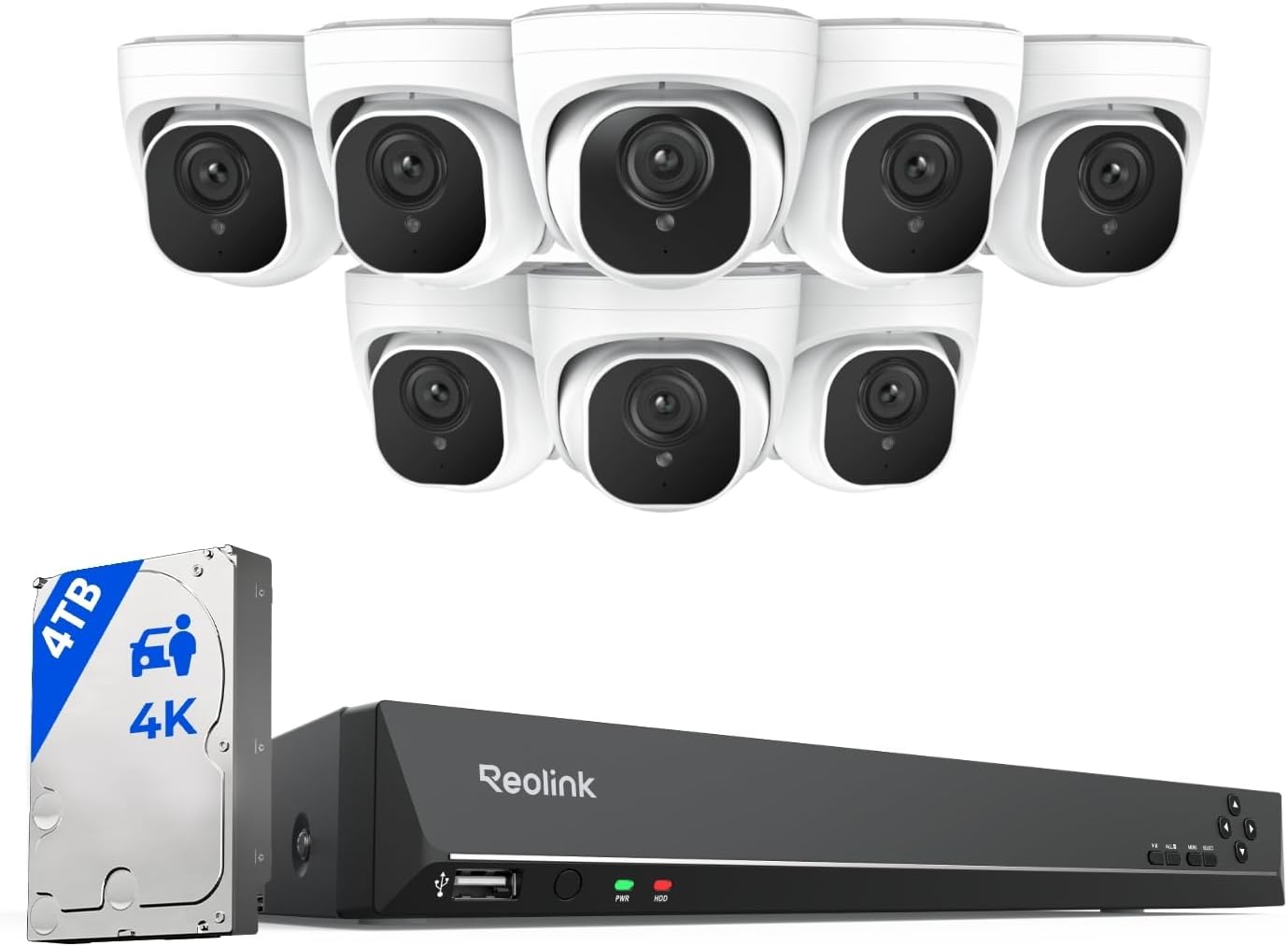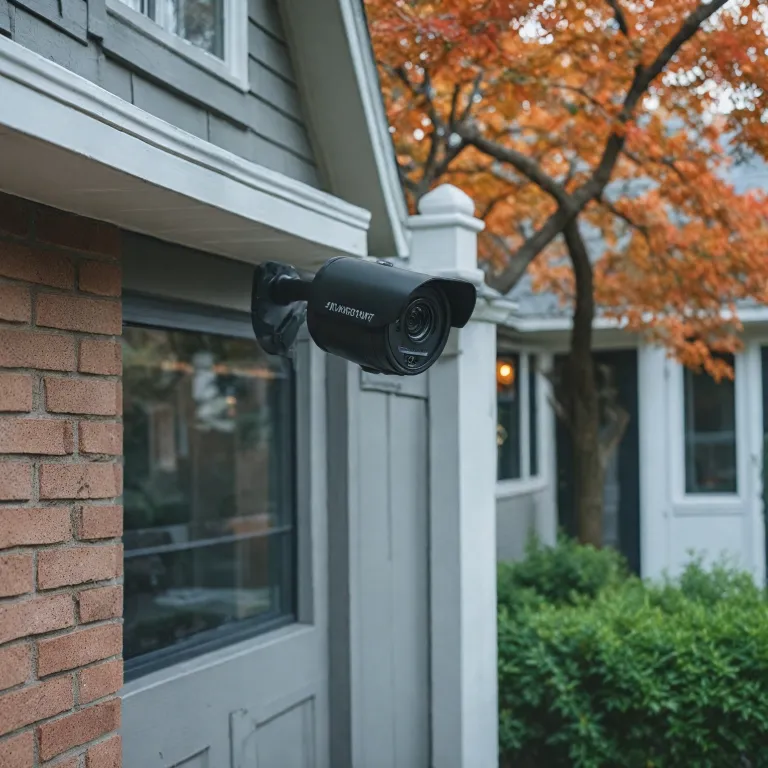



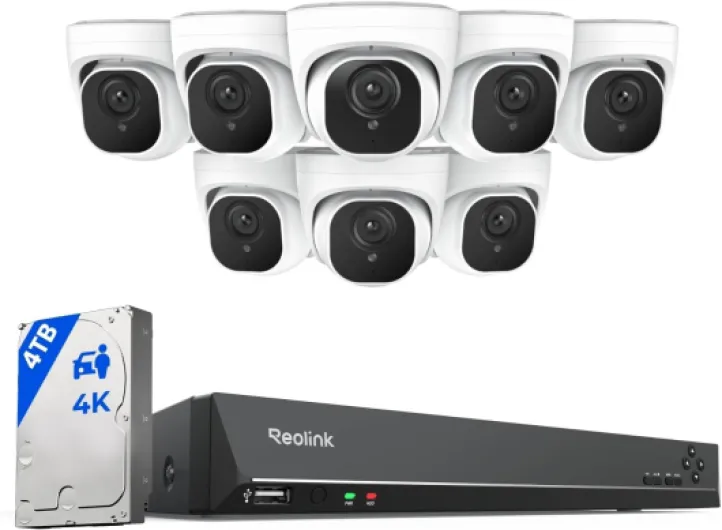
Understanding what a 4k security camera offers
What Sets 4K Security Cameras Apart
When you’re considering a new security system, the jump to a 4K security camera can feel like a big step. But what exactly does 4K mean for home surveillance? In simple terms, 4K refers to a camera’s ability to capture video at a resolution of 3840 x 2160 pixels. That’s four times the detail of regular HD security cameras, making it easier to spot faces, license plates, and other important details, even at a distance.
With this level of clarity, you get more than just sharper images. You also benefit from improved digital zoom, which means you can zoom in on footage without losing as much detail. This is a game changer for identifying events or people in your video recordings. Whether you’re using a dome camera, a bullet camera, or a dual lens model, the difference in image quality is noticeable—especially at night, when night vision capabilities are crucial for effective monitoring.
How 4K Cameras Enhance Your Security System
- Smart motion detection: Advanced detection features help reduce false alarms and alert you to real threats.
- Audio integration: Many 4K cameras now include audio recording, adding another layer of evidence for your security needs.
- Flexible storage: Options like DVR, NVR, hard drive, and microSD card let you choose the best way to store your footage.
- Power over Ethernet (PoE): Wired 4K cameras can use a single cable for both power and data, simplifying installation and reducing clutter.
- Battery powered options: For locations without easy access to power, battery powered 4K cameras offer flexibility.
Brands like Lorex and Swann have developed a range of 4K security cameras and systems, including channel DVR and NVR units, to fit different needs and budgets. You’ll also find regular price and sale price options, so it’s possible to find a camera or system that matches your requirements without breaking the bank. Cameras with smart features, such as smart motion alerts and cameras with audio, are becoming more accessible as the technology matures and prices adjust.
As you explore your options, keep in mind that the right 4K security camera can offer superior night vision, reliable motion detection, and robust storage solutions. These features make a real difference in everyday use, whether you’re upgrading from a regular camera or building a new security system from scratch.
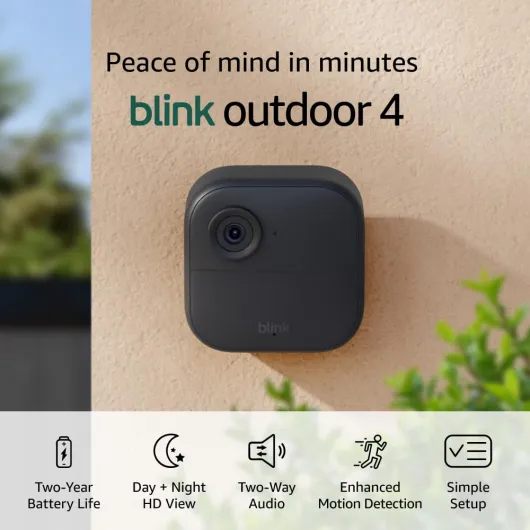
- + Wireless for easy installation
- + 1080p HD quality for clear video
- + Two-year battery life for long-lasting use
- + Infrared night vision for nighttime monitoring
- + Two-way talk feature for communication

Key features to look for in a 4k security camera
Essential Capabilities for Modern Home Security
When evaluating 4k security cameras, it’s important to look beyond just the ultra-high resolution. The market offers a wide range of cameras, from wired to battery powered, and each comes with features that can make a real difference in your home’s security system. Here are some of the most important aspects to consider:
- Video Quality: 4k cameras deliver crisp, detailed footage, making it easier to identify faces, license plates, and other critical details. This is a major upgrade over regular HD cameras, especially for larger properties or areas with complex layouts.
- Night Vision: Look for cameras with advanced night vision capabilities. Infrared LEDs or color night vision can provide clear images even in total darkness, which is essential for round-the-clock security.
- Smart Motion Detection: Modern 4k cameras often include smart motion detection, which helps reduce false alerts by distinguishing between people, vehicles, and animals. Some models, like the series Lorex or Swann, offer customizable detection zones for even more control.
- Audio Features: Two-way audio lets you communicate through the camera, which can be useful for greeting visitors or warning off intruders. Cameras with built-in microphones and speakers add another layer of interactivity to your security system.
- Storage Options: Consider whether the camera supports local storage via a hard drive, DVR, NVR, or microsd card. Cloud storage is also available, but local options can help manage ongoing costs and privacy.
- Power and Connectivity: Decide between wired, power over ethernet, or battery powered units. Wired systems, like channel DVR or NVR security cameras, tend to be more reliable, while battery powered models offer flexible placement.
- Design and Placement: Dome cameras are popular for their discreet look and wide coverage, while bullet cameras are more visible and can act as a deterrent. Dual lens models can cover multiple angles with a single unit.
- Integration with Smart Home Systems: Many 4k cameras can be integrated with smart home platforms, allowing for remote access, notifications, and automation.
- Price and Value: Compare the regular price, unit price, and sale price of different cameras and systems. Brands like Lorex and Swann often have cameras sale events, making it easier to find a security camera system that fits your budget.
For a deeper dive into how these features work together and what sets 4k security cameras apart from regular models, check out this guide on understanding the functionality of Ring cameras.

- + HD video for clear images
- + Color night view for low-light visibility
- + Motion detection alerts
- + Two-way audio for communication
- + Built-in spotlight for added security
Installation tips for optimal coverage
Maximizing Coverage and Clarity with Strategic Placement
Getting the most out of your 4k security camera starts with where and how you install it. High-resolution cameras like these can capture incredible detail, but only if they're positioned to cover the right areas. Consider the main entry points, driveways, and any blind spots around your property. Dome cameras are often preferred for wide-angle views, while bullet cameras can focus on specific zones. For larger properties or multi-camera setups, a channel DVR or NVR system can help manage multiple feeds efficiently.
Wired vs. Battery Powered: Powering Your System
Deciding between wired and battery powered options impacts both installation and long-term maintenance. Wired cameras, especially those using power over ethernet, offer reliable video transmission and continuous power, making them ideal for 24/7 surveillance. However, they may require professional installation, especially if you want to hide cables for a cleaner look. Battery powered units offer flexibility and are easier to install, but you'll need to monitor battery levels regularly. For a deeper dive into powering your cameras, check out this guide on understanding the power supply for surveillance cameras.
Optimizing Night Vision and Motion Detection
4k cameras with advanced night vision and smart motion detection can significantly enhance your security system. Ensure your cameras are not obstructed by objects like trees or walls, which can interfere with night vision performance and motion alerts. Some models, such as those from the series Lorex or Swann, offer dual lens or smart motion features for better detection accuracy in low-light conditions.
Storage and Connectivity Considerations
High-resolution video requires more storage. Decide whether you'll use a DVR security system with a hard drive, an NVR, or rely on a microsd card for local storage. The unit price and system price can vary depending on storage capacity and features like cameras audio or two-way audio. If you plan to expand your system, look for models that support additional cameras or offer cameras sale bundles for better value.
- Test your camera's field of view before finalizing installation.
- Regularly check for firmware updates to maintain smart features and security.
- Consider the sale price versus regular price when choosing between brands like Lorex or Swann.
Privacy considerations with high-resolution cameras
Balancing Clarity with Privacy
With 4k security cameras, the leap in video clarity is impressive. However, this high resolution also means these cameras capture more detail than regular models. Homeowners should be aware that increased clarity can raise privacy concerns, especially in areas where neighbors or public spaces are within view. Always position your camera, whether it’s a dome, bullet, or dual lens unit, to avoid unnecessary intrusion into others’ private spaces.
Data Storage and Access Control
Higher resolution video from 4k security cameras, including those from brands like Lorex and Swann, requires more storage space. Whether you’re using a DVR, NVR, or a microsd card, it’s important to secure your hard drive and limit access to stored footage. Consider systems with advanced user controls and encrypted storage to protect your data. Regularly update passwords and review who has access to your security system, especially if your cameras support audio or smart motion detection features.
Legal and Ethical Considerations
Before installing a 4k security camera system, check local regulations regarding video and audio recording. Some areas have strict rules about recording audio or capturing footage beyond your property line. Wired and battery powered cameras with night vision or motion detection can sometimes record more than intended, so it’s wise to review your system’s settings. If your camera supports dual lens or smart features, ensure you’re not inadvertently recording private conversations or spaces.
- Inform visitors about active cameras with clear signage
- Disable audio recording if not needed
- Regularly review footage retention policies, especially if your system is set to continuous recording
Protecting Your Investment
4k security cameras often come at a higher unit price compared to regular security cameras. When considering price, sale, or price sale options, factor in the cost of privacy features and secure storage. Brands like Lorex and Swann offer systems with built-in privacy controls, and some series Lorex models include enhanced encryption. Investing in a secure, NDAA-compliant system can help protect both your property and your personal data.
Comparing 4k security cameras to other resolutions
How 4K Stacks Up Against Other Security Camera Resolutions
When considering a security system, the choice between 4K and other camera resolutions like 1080p or 2K can impact everything from video clarity to storage needs and price. Here’s a breakdown to help you understand the differences:- Image Quality: 4K cameras deliver ultra-high definition video, making it easier to identify faces, license plates, and small details, especially in challenging lighting or night vision scenarios. Regular 1080p cameras offer decent clarity but may struggle with finer details at a distance.
- Storage and Bandwidth: Higher resolution means larger video files. A 4K camera system will require a bigger hard drive or NVR/DVR with more storage capacity. If you’re using a DVR security setup, check the unit price for larger drives or consider systems with expandable storage options like a microsd card slot.
- Price and Value: 4K security cameras generally come at a higher regular price compared to 2K or 1080p models. However, many brands like Lorex and Swann offer cameras sale events or price sale bundles, making advanced features more accessible. Always compare sale price and unit price to ensure you’re getting the best value.
- Smart Features: While many regular cameras offer basic motion detection, 4K models often include smart motion detection, dual lens options, and cameras audio capabilities for enhanced security. Some systems are battery powered, while others use power ethernet for reliable wired connections.
- System Compatibility: If you already have a security system with a channel dvr or NVR, check if it supports 4K input. Upgrading just one camera to 4K may not deliver the full benefit unless your entire system is compatible.
| Resolution | Clarity | Storage Needs | Price Range | Night Vision |
|---|---|---|---|---|
| 1080p (Full HD) | Good | Low | Low | Standard |
| 2K (1440p) | Better | Medium | Medium | Improved |
| 4K (2160p) | Excellent | High | High | Advanced |
Troubleshooting common issues with 4k security cameras
Common Problems and Practical Fixes
4k security cameras offer impressive video quality and advanced features, but users sometimes face technical hiccups. Here’s a look at frequent issues and how to address them, whether you’re using a wired system like Lorex, a DVR security setup, or a smart NVR unit.- Blurry or Pixelated Video: High-resolution cameras demand strong network connections and compatible monitors. If your 4k camera’s video looks fuzzy, check your system’s bandwidth and ensure your DVR or NVR supports 4k output. Using a regular monitor or an outdated hard drive can limit clarity.
- Night Vision Not Working: Night vision is a key feature for security cameras. If your camera’s vision at night is poor, inspect the infrared LEDs for dirt or obstructions. For dome cameras, clean the cover. Also, verify the power supply, especially for battery powered units.
- Motion Detection Delays: Smart motion detection is crucial for timely alerts. If there’s a lag, adjust the sensitivity settings in your camera’s app or system menu. For dual lens or series Lorex models, make sure firmware is updated. Wired connections often provide more reliable detection than wireless setups.
- Storage Issues: 4k video files are large and can quickly fill up your DVR, NVR, or microsd card. Regularly check your storage status. Consider upgrading your hard drive or using a system that supports larger drives. Some units offer automatic overwrite, but always back up important footage.
- Audio Not Recording: If your cameras audio isn’t working, confirm that your camera model supports audio recording. Some security cameras, especially those on sale or at a lower unit price, may not include this feature. Check system settings and ensure microphones aren’t muted.
- Connectivity Drops: Wired cameras tend to be more stable, but if you’re using Wi-Fi, interference or distance from the router can cause dropouts. For power ethernet (PoE) systems, inspect cables for damage. For DVR security systems, confirm all channel dvr connections are secure.
When to Seek Professional Help
If troubleshooting doesn’t resolve your issue, contact your security system’s support. Brands like Swann and Lorex offer dedicated help for their cameras. Always check warranty status before attempting repairs, especially if you bought your camera during a price sale or special promotion.Tips for Ongoing Maintenance
- Keep firmware updated for all cameras and systems.
- Regularly clean lenses and check for obstructions.
- Monitor storage capacity and replace hard drives as needed.
- Test night vision and motion detection features monthly.