
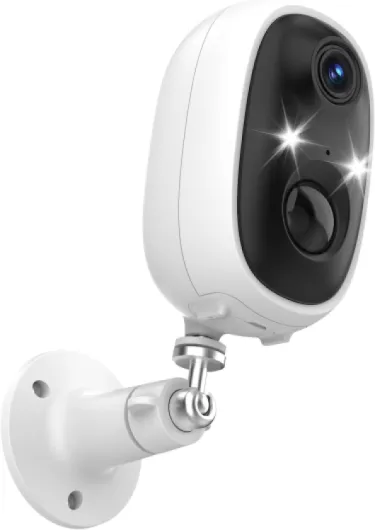
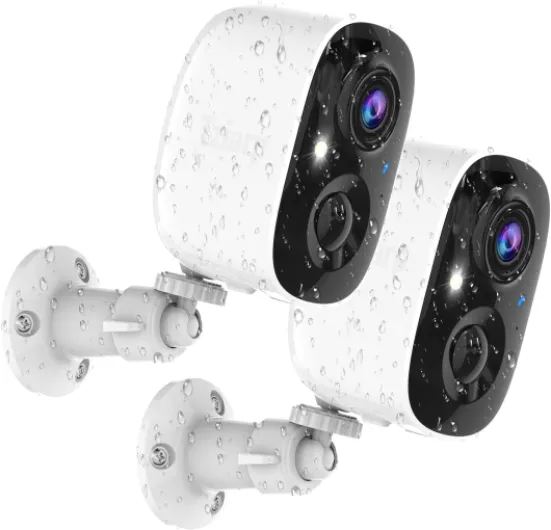
Understanding outdoor security camera surveillance systems
What Makes Outdoor Security Cameras Essential?
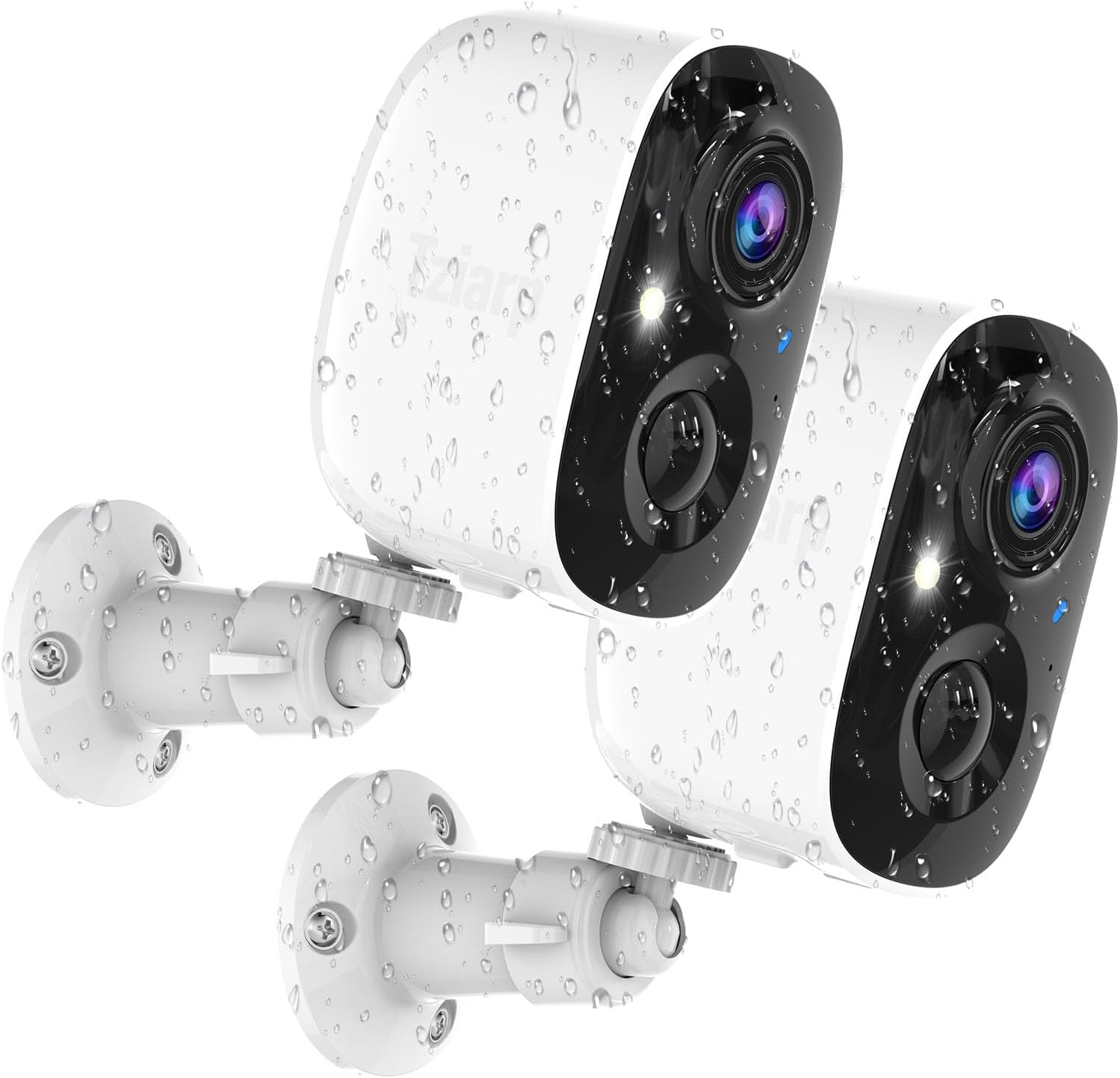
Outdoor security cameras have become a crucial part of modern home security systems. With rising concerns about safety and property protection, more homeowners are turning to smart surveillance solutions. These cameras act as a visible deterrent to potential intruders and provide valuable video evidence in case of incidents. The best security cameras combine advanced features like motion detection, night vision, and weather resistance, ensuring your home is monitored day and night.
Types of Outdoor Cameras and Their Benefits
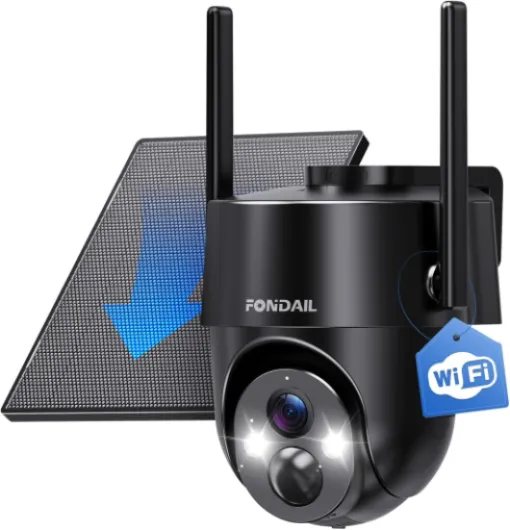
There are several types of outdoor cameras available, each offering unique advantages. Dome cameras are popular for their discreet design and wide coverage, while bullet cameras provide a more visible presence. Battery powered outdoor cameras offer flexible installation, especially in areas without easy access to power. Wired cameras, on the other hand, are known for their reliability and consistent video quality. Brands like Arlo, Lorex, and Nest Cam are frequently mentioned for their innovative features and competitive price points.
- Wired cameras: Reliable connection, ideal for permanent setups
- Wireless cameras: Easy to install, often support cloud storage and smart integrations
- Battery powered cams: Flexible placement, good for areas without outlets
- Dome and bullet cameras: Different form factors for various security needs
Smart Features and Integration
Modern outdoor security cameras are packed with smart features. Motion detection alerts you to activity around your property, while night vision ensures clear footage even in low light. Many systems now offer integration with Alexa and Google smart home platforms, making it easier to monitor your cameras using voice commands. Storage options vary, with some cameras offering free local storage and others relying on cloud storage for a monthly fee. Comparing the regular price and sale price of different models can help you save money while still getting the best security system for your needs.
For a deeper look at how wireless outdoor cameras can enhance your home security, check out this guide on enhancing home security with wireless outdoor cameras.

Key features to look for in the best outdoor security camera surveillance system
Essential Qualities for Reliable Outdoor Security
When selecting the best outdoor security camera surveillance system for your home, it's important to focus on features that directly impact safety, convenience, and long-term value. Not all security cameras are created equal, so understanding the differences can help you make a smart investment.
- Video Quality: Look for cameras that offer high-definition video, ideally 1080p or higher. Clear footage is crucial for identifying faces, vehicles, and other important details. Brands like Arlo, Lorex, and Nest Cam are known for delivering sharp video, even in challenging lighting conditions.
- Night Vision: Outdoor security doesn't stop when the sun goes down. The best security cameras use infrared LEDs or color night vision to provide clear images in low-light or complete darkness.
- Motion Detection: Smart motion detection helps reduce false alerts and ensures you’re notified only when it matters. Advanced systems can distinguish between people, animals, and vehicles, saving you time and worry.
- Weather Resistance: Outdoor cameras must withstand rain, snow, heat, and dust. Check for IP65 or higher ratings to ensure durability in all seasons.
- Power Source: Decide between wired, battery powered, or solar options. Battery powered cameras like Arlo Pro offer flexible installation, while wired systems provide continuous power and often more reliable connectivity.
- Storage Options: Consider whether you want local storage (such as microSD cards or NVRs) or cloud storage. Some systems offer both, letting you save footage for free or at a regular price. Compare the price, sale price, and price save options for cloud subscriptions.
- Smart Home Integration: Many modern security systems work with Alexa, Google Assistant, or other smart home platforms. This allows for hands-free control and integration with other devices.
- Field of View and Camera Type: Dome cameras, bullet cams, and pan-tilt-zoom models each offer different advantages. A wide field of view can reduce blind spots and improve overall coverage.
Comparing Top Brands and Models
Popular brands like Arlo, Lorex, and Nest Cam each offer unique features. For example, Arlo Pro models are known for their battery powered design and flexible installation, while Lorex systems often provide robust local storage and wired reliability. Nest Cam stands out for its smart detection and seamless integration with Google services.
When shopping, pay attention to regular price, sale price, and price sale promotions to get the best value. Some retailers offer bundles or free accessories with your purchase, so it’s worth comparing deals before you buy.
Security and Privacy Considerations
As you evaluate outdoor security cameras, consider how your video footage is stored and who can access it. Systems with strong encryption and customizable privacy zones help protect your data. For more on balancing security and privacy, check out our guide on enhancing home security with wireless outdoor video surveillance.
Choosing the right combination of features will help you build a security system that fits your needs, budget, and peace of mind.
Comparing wired vs wireless outdoor cameras
Choosing Between Wired and Wireless Outdoor Cameras
When selecting the best security camera system for your home, one of the most important decisions is whether to go with wired or wireless outdoor cameras. Each option has its own strengths and limitations, and understanding these can help you make an informed choice that fits your needs, budget, and property layout.
- Wired Outdoor Cameras: These cameras, like many Lorex and dome models, connect directly to your security system using cables. This setup ensures a stable video feed and reliable power, making them ideal for continuous surveillance and high-resolution video. Wired security cameras often offer local storage, which can save you from monthly cloud storage fees. However, installation can be more complex, especially if you need to run cables through walls or over long distances.
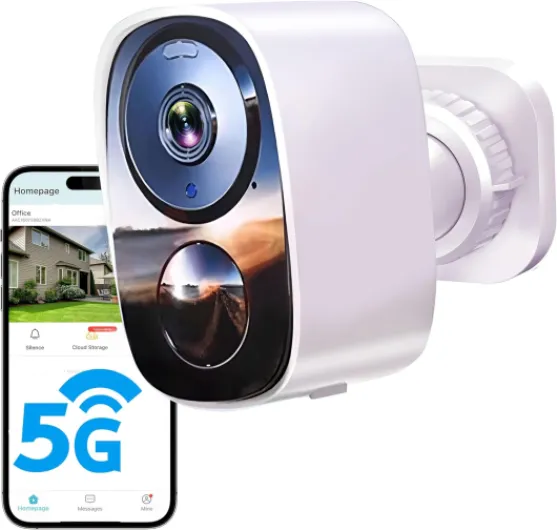
- Wireless Outdoor Cameras: Wireless cameras, such as Arlo Pro and Nest Cam, are popular for their easy installation and flexibility. Many models are battery powered, allowing you to place them almost anywhere around your property. Wireless systems often come with smart features like motion detection, night vision, and integration with Alexa or Google smart home systems. Some offer free cloud storage or local storage options, but keep in mind that battery life and Wi-Fi signal strength can affect performance.
| Feature | Wired Cameras | Wireless Cameras |
|---|---|---|
| Installation | More complex, requires cables | Easy, flexible placement |
| Power Source | Continuous (wired) | Battery powered or plug-in |
| Video Quality | Consistent, high resolution | Varies with signal and battery |
| Storage | Local storage, no monthly fees | Cloud storage, some free options |
| Smart Features | Available, but varies by system | Advanced, often with app support |
| Price | Regular price higher due to installation | More price flexibility, frequent sale price |
For homeowners who want to enhance outdoor security with smart features, wireless outdoor cameras are often the go-to choice. They offer motion detection, remote access, and easy integration with existing security systems. On the other hand, if you prioritize reliability and want to save on long-term costs, a wired security system with local storage might be the best security investment for your home.
When comparing options, consider the sale price, regular price, and any price save opportunities. Look for outdoor cameras that offer night vision, weather resistance, and compatibility with your preferred smart home platform. Whether you choose a wired or wireless system, the right security cameras can provide peace of mind and help protect your property.
Installation tips for outdoor security cameras
Preparing for a Smooth Installation
Before installing your outdoor security cameras, take time to plan the placement. Look for areas that cover main entry points, driveways, and blind spots. Consider the field of view and night vision range for each camera. For dome or bullet cameras, check if the mounting surface is stable and weather-resistant. If you’re using a battery powered outdoor camera, make sure it’s within Wi-Fi range and easy to access for recharging.
Wired vs Wireless: What to Expect
Wired security systems, like those from Lorex, often require drilling and cable management. These systems offer reliable video quality and local storage, but installation can be more complex. Wireless outdoor cameras, such as Arlo Pro or Nest Cam, are easier to set up and can be placed almost anywhere with a strong signal. However, you’ll need to monitor battery life and ensure your Wi-Fi network is secure.
- Wired cameras: Stable connection, no battery worries, but more installation effort.
- Wireless cameras: Flexible placement, quick setup, but may need regular charging or battery swaps.
Smart Integration and Setup Tips
Many modern security cameras work with Alexa Google smart home systems. During installation, follow the manufacturer’s app instructions to connect your camera to your security system. Test motion detection and video quality before finalizing the position. For outdoor cameras with cloud storage, check your subscription plan to avoid surprises on price or storage limits.
Weatherproofing and Maintenance
Outdoor security cameras must withstand rain, snow, and heat. Choose cameras with a high IP rating for weather resistance. Regularly clean the lens for clear video, and check mounts for stability. For battery powered or wireless cameras, schedule routine battery checks to avoid downtime. If your system offers free or local storage, back up important footage to save on cloud storage costs.
Quick Troubleshooting Guide
- If motion detection isn’t working, adjust the sensitivity settings in your app.
- For video issues, check Wi-Fi strength or wired connections.
- Update firmware regularly to keep your security cameras running smoothly.
- Compare sale price and regular price when buying extra cameras or accessories to save money.
Privacy concerns and legal considerations
Protecting Your Privacy with Outdoor Security Cameras
When adding a security camera system to your home, privacy is a top concern. Modern outdoor cameras, whether from brands like Lorex, Arlo, or Nest Cam, offer advanced features such as motion detection, night vision, and smart integrations with Alexa or Google. However, these benefits come with responsibilities and legal considerations.
- Data Storage Choices: Many security cameras offer both cloud storage and local storage. Cloud storage is convenient but may raise concerns about who can access your video footage. Local storage, such as SD cards in dome or bullet cams, keeps your data at home but can be lost if the camera is stolen.
- Legal Boundaries: Laws vary by location, but generally, it’s legal to record video on your property. However, pointing your outdoor camera at public spaces or neighbors’ homes can lead to legal trouble. Always angle your cameras to focus on your own property and check local regulations before installation.
- Audio Recording: Some security systems include audio. Recording conversations without consent may be illegal in some regions. Disable audio recording if you’re unsure about the rules in your area.
- Sharing and Access: Be cautious about who has access to your security system. Most smart cameras allow you to grant access to family members. Regularly review permissions, especially if you use a system with remote viewing or cloud storage.
- Privacy Settings: Brands like Arlo Pro and Nest Cam offer customizable privacy zones and motion detection settings. Use these to avoid capturing unnecessary footage and to respect the privacy of others.
Best Practices for Responsible Use
- Inform visitors about surveillance with clear signage.
- Update your security system’s firmware to patch vulnerabilities.
- Use strong passwords for your camera accounts and enable two-factor authentication where available.
- Review your camera’s regular price, sale price, and price save offers, but don’t compromise on privacy features for a lower price sale.
Whether you choose a wired or battery powered outdoor camera, or opt for a system with free or paid storage, prioritizing privacy and understanding the legal landscape will help you get the best security for your home while respecting the rights of others.
Maintenance and troubleshooting for your surveillance system
Keeping Your Outdoor Security Cameras Running Smoothly
Regular maintenance is key to ensuring your outdoor security camera system, whether it’s a wired or battery powered model, continues to deliver reliable video and motion detection. Dust, weather, and even insects can affect the performance of your cameras. Here are some practical steps to help you keep your system in top shape:- Clean camera lenses regularly – Use a soft, dry cloth to wipe away dirt, water spots, or cobwebs. This helps maintain clear night vision and accurate motion detection.
- Check for firmware updates – Brands like Arlo, Lorex, and Nest Cam often release updates to improve security and add smart features. Updating your system can also help fix bugs and enhance compatibility with Alexa Google or other smart home devices.
- Inspect power sources – For wired cameras, ensure cables are secure and free from damage. For battery powered outdoor cameras, check battery levels and recharge or replace as needed. Some systems offer alerts when battery is low, helping you avoid downtime.
- Review storage options – Make sure your local storage or cloud storage plan is working as expected. If you use free storage, check if you’re close to your limit. Paid plans may offer more video history and advanced detection features, but compare price, sale price, and price save options to get the best value.
- Test motion detection and alerts – Walk through your camera’s field of view to confirm that motion detection and notifications are working. Adjust sensitivity settings if you’re getting too many or too few alerts.
- Protect against weather – Even the best security cameras rated for outdoor use can benefit from occasional checks. Look for signs of water ingress or corrosion, especially after storms. Dome cams and outdoor cameras with weatherproof ratings tend to last longer in harsh conditions.
Solving Common Issues with Your Security System
Even top-rated security systems like Arlo Pro or Lorex may run into occasional problems. Here’s how to troubleshoot some frequent issues:- No video feed – Check your Wi-Fi connection for wireless cameras, or cable connections for wired models. Restart your router or camera if needed.
- False motion alerts – Adjust detection zones or sensitivity. Sometimes moving branches or passing cars can trigger unnecessary notifications.
- Storage errors – If your video isn’t saving, confirm your cloud storage subscription is active or your local storage isn’t full. Some systems offer free storage, but you may need to upgrade for more capacity.
- App or smart integration issues – Re-link your security cameras to Alexa Google or update your app to the latest version for best compatibility.