
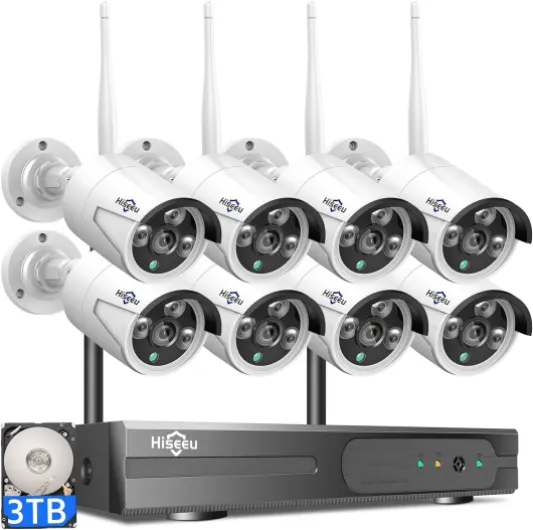
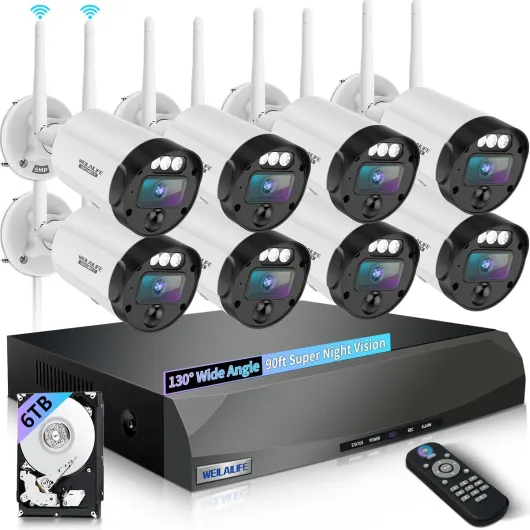
Understanding wireless security camera systems with remote viewing
What Makes Wireless Security Camera Systems Stand Out?
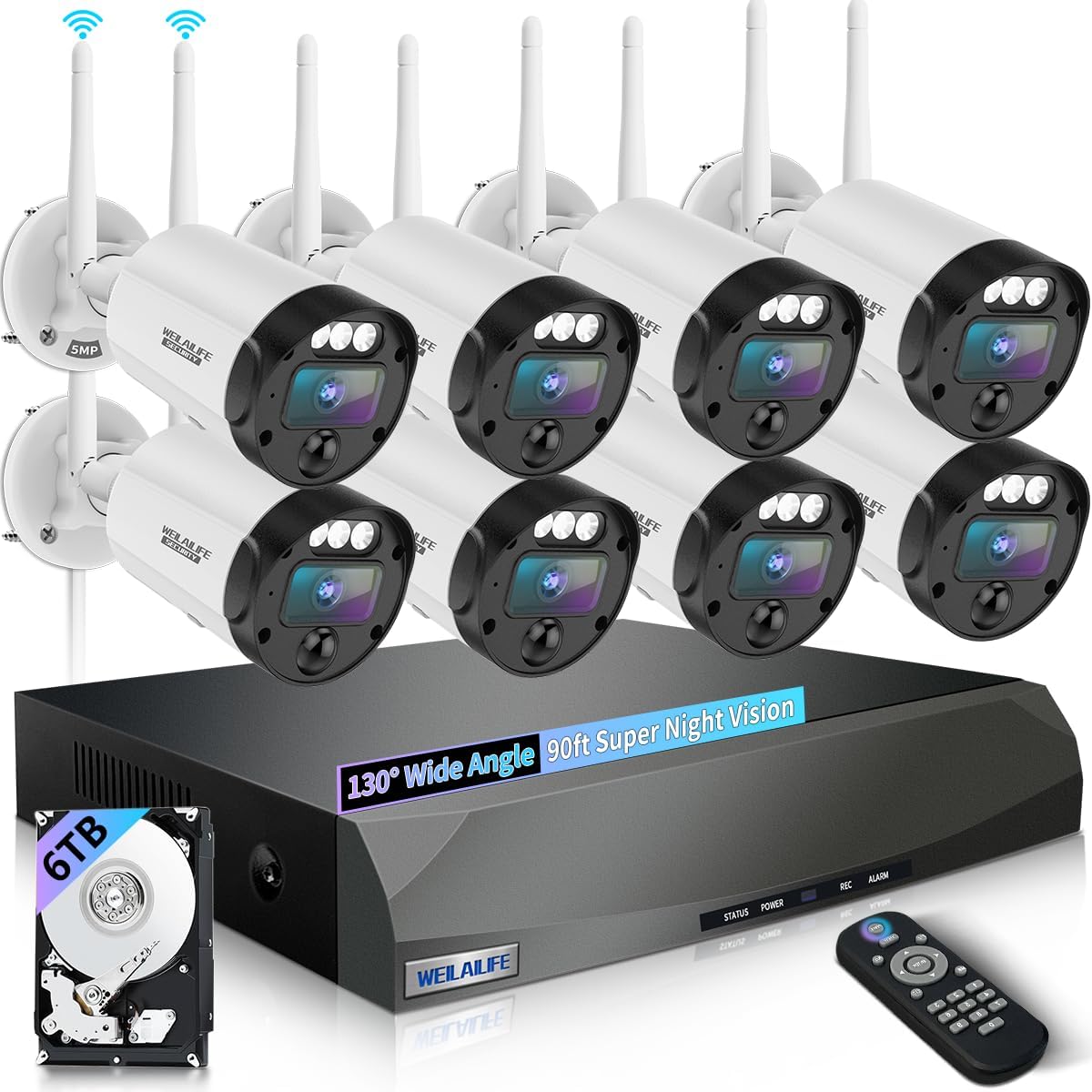
Wireless security camera systems have become a popular choice for homeowners looking for flexible and easy-to-install surveillance solutions. Unlike traditional wired systems, wireless cameras connect to your home wifi, eliminating the need for extensive cabling. This makes them ideal for both indoor and outdoor use, especially in spaces where running wires is difficult or unsightly.
How Wireless Cameras Work with Remote Viewing
Most modern wireless security cameras offer remote viewing capabilities. This means you can monitor your property from anywhere using your smartphone, tablet, or computer. Whether you’re at work or on vacation, you can check live video feeds, receive motion detection alerts, and even communicate through two-way audio if your camera supports it. This feature is especially valuable for those who want peace of mind when away from home.
Types of Wireless Security Cameras
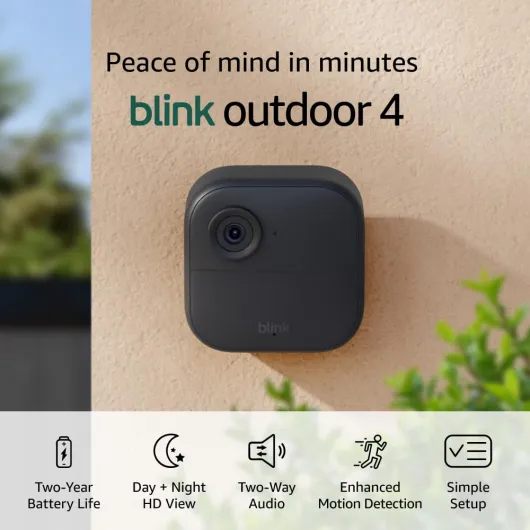
- Battery-powered cameras: These are truly wire free and can be placed almost anywhere. Some models, like solar powered cameras, use solar panels to extend battery life and reduce maintenance.
- Plug-in wifi cameras: These require a power outlet but connect to your wifi network for video transmission.
- Smart cameras with hub: Some systems use a central hub to manage multiple cameras, offering features like dual band wifi for better connectivity and integration with smart home platforms like Alexa.
Key Benefits of Wireless Security Camera Systems
- Easy installation and relocation
- Remote viewing and control via mobile apps
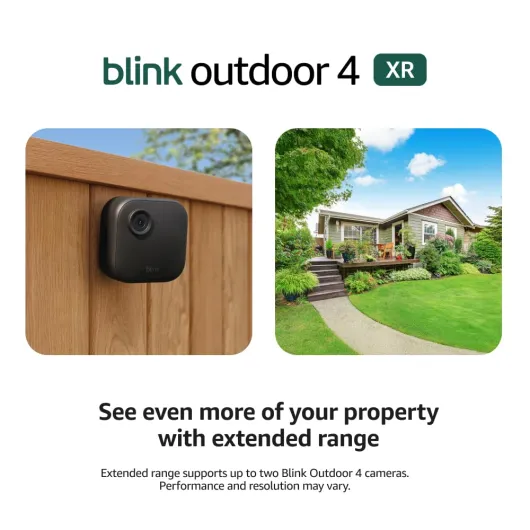
- Flexible placement options, including outdoor and indoor locations
- Advanced features like night vision, color night vision, pan tilt, and motion detection
- Integration with other smart security devices
Considerations Before Choosing a System
When selecting a wireless security camera system, consider factors like video quality, audio capabilities, price, and whether the system offers free cloud storage or requires a subscription. Some brands, such as Tapo, offer affordable options with robust features, while others focus on high-end surveillance with advanced motion detection and dual band connectivity.
Understanding the power supply for surveillance cameras is crucial, especially if you’re considering battery or solar powered options. For a deeper dive into this topic, check out this guide on understanding the power supply for surveillance cameras.

Key features to look for in a wireless security camera system
Essential Elements for a Reliable Wireless Security Camera System
When selecting a wireless security camera system with remote viewing, it’s important to focus on features that directly impact your home’s safety and your overall experience. Not all cameras or systems are created equal, so understanding what matters most can help you avoid costly mistakes and ensure you get the best value for your investment.
- Wireless and WiFi Capabilities: Look for systems that offer stable wireless or dual band WiFi connections. Dual band (2.4GHz and 5GHz) support can reduce interference and improve video quality, especially in busy home networks.
- Video Quality: High-definition video is crucial for identifying faces and details. Many modern cameras offer 1080p or higher resolution, with some providing color night vision for clearer footage in low light.
- Motion Detection: Smart motion detection helps reduce false alerts and ensures you’re notified only when it matters. Some systems allow you to customize motion zones or sensitivity.
- Audio Features: Two-way audio lets you communicate through your camera, which is useful for greeting visitors or warning intruders. Check if the system supports clear audio transmission both ways.
- Power Options: Consider whether you want a battery-powered, wire free, or solar powered camera. Battery and solar options offer more flexibility for outdoor placement and save you from running cables.
- Night Vision: Reliable night vision is essential for 24/7 surveillance. Look for cameras with infrared or color night capabilities to ensure clear footage after dark.
- Remote Viewing: Ensure the system supports remote viewing via a secure app or web portal. This feature allows you to monitor your property from anywhere, adding peace of mind when you’re away.
- Integration with Smart Home Devices: Compatibility with smart assistants like Alexa can make controlling your security system easier and more intuitive.
- Storage Options: Some systems offer free cloud storage, while others require a subscription. Local storage via a hub with SD card or hard drive can be a cost-saving alternative. For more on connecting your cameras, check this guide on choosing the right cable for your CCTV security camera.
- Price and Value: Compare the price of different camera systems, considering both upfront costs and ongoing fees. Sometimes, a slightly higher price brings better features or longer-lasting hardware.
Popular brands like Tapo and others offer a range of security cameras with features like pan tilt, outdoor durability, and advanced surveillance options. Always review what’s included in the system—some bundles offer multiple cameras, a central hub, or additional accessories that can save you money in the long run.
Choosing the right wireless security camera system is about balancing your needs for security, convenience, and budget. The right combination of features will help you build a robust security system that keeps your home safe and gives you confidence, whether you’re at home or away.
How remote viewing enhances your home security
Why Remote Access Matters for Home Security
Remote viewing is a game changer for modern wireless security camera systems. With this feature, you can check live video feeds from your cameras on your smartphone, tablet, or computer—no matter where you are. This means you’re not tied to a monitor at home, and you can respond quickly to alerts or suspicious activity.
Real-Time Monitoring and Alerts
Most wifi security camera systems with remote viewing offer instant notifications. If your camera detects motion, you’ll get an alert on your device. This is especially useful for outdoor cameras with motion detection and night vision, as you can see what’s happening in real time, even in low light. Some smart camera systems also provide color night vision, giving you clearer images at night.
- Motion detection: Get notified the moment movement is detected.
- Two-way audio: Many cameras with audio let you speak to visitors or warn off intruders remotely.
- Pan tilt and zoom: Adjust your camera’s view from your phone for better coverage.
Flexible Surveillance and Storage
Remote viewing isn’t just about live feeds. Many wireless security camera systems let you review recorded footage from anywhere. Whether your system uses a hub with local storage, a free cloud plan, or a paid subscription, you can save and access video clips when you need them. This is helpful for reviewing incidents or sharing footage with authorities.
Integration with Smart Home Devices
Many wifi security cameras work with Alexa or other smart home platforms. You can use voice commands to display your camera feed on compatible devices, making it even easier to keep an eye on your property. Some systems support dual band wifi for a more stable connection, and solar powered or battery options for wire free installation.
Choosing the Right Setup for Remote Viewing
When selecting a wireless security camera system, consider how remote viewing fits your lifestyle. Do you need outdoor cameras with solar panels for continuous power? Are you looking for a system with pan tilt features or color night vision? Price, storage options, and compatibility with your wifi band all play a role. For more on optimizing your setup, check out this guide on choosing the right camera cable for your Ring camera setup.
Setting up your wireless security camera system
Getting Your Wireless Security Camera System Up and Running
Setting up a wireless security camera system with remote viewing can feel overwhelming, but it’s manageable with the right approach. Whether you’re installing a single wifi camera or a full camera system with multiple cameras, following a step-by-step process helps ensure your security setup is reliable and effective.- Choose the right location: For outdoor cameras, pick spots that cover entry points and vulnerable areas. Make sure your wifi signal is strong in these locations. Dual band wifi cameras can help if you have connectivity issues.
- Power options: Decide if you want battery-powered, solar powered, or plug-in cameras. Battery and solar models offer wire free installation, saving you from running cables. Just remember to check battery life and solar panel placement for continuous surveillance.
- Mounting and positioning: Use the included hardware to mount your cameras securely. For pan tilt models, make sure there’s enough clearance for full movement. Adjust the angle to maximize the field of view and take advantage of features like color night vision and motion detection.
- Connecting to your wifi: Follow the manufacturer’s instructions to connect each camera to your home wifi network. Dual band systems can switch between 2.4GHz and 5GHz bands for better performance. If your cameras support smart home integration, link them with Alexa or your preferred hub for added convenience.
- Configuring the app: Download the app recommended for your camera system. This is where you’ll set up remote viewing, customize motion alerts, and adjust audio settings. Many brands offer free basic plans, but check the price for advanced features or cloud storage.
- Testing your system: Walk through your property to trigger motion detection and test video quality, audio, and night vision. Make sure you can access live feeds and recorded clips from your phone or computer, confirming remote viewing works as expected.
Tips for a Smooth Setup
- Keep your wifi router in a central location to improve connectivity for all cameras.
- Label each camera in the app for easy identification, especially in larger camera systems.
- Regularly check for firmware updates to keep your security system running smoothly and securely.
- If you’re using solar powered cameras, clean the panels occasionally to maintain charging efficiency.
Privacy and security concerns with remote viewing
Protecting Your Privacy with Wireless Security Cameras
When setting up a wireless security camera system with remote viewing, privacy and security are top concerns for many homeowners. While these systems offer convenience and peace of mind, it’s important to understand how to keep your video feeds, audio, and personal data safe from unauthorized access.- Secure Your Wifi Network: Always use a strong, unique password for your wifi network. Dual band routers (2.4GHz and 5GHz) can help reduce interference and improve the reliability of your camera system, but both bands need to be secured.
- Update Firmware Regularly: Manufacturers like Tapo and other smart camera brands release updates to patch vulnerabilities. Make sure your wireless security cameras and hub with remote viewing are always running the latest firmware.
- Enable Two-Factor Authentication: Many camera systems with remote access offer two-factor authentication. This extra step helps protect your surveillance video and audio from unauthorized users.
- Change Default Passwords: Never leave your security camera system on default settings. Create strong, unique passwords for each device, especially for outdoor and battery-powered cameras that might be more exposed.
- Review App Permissions: When using smart features like pan tilt, color night vision, or integration with Alexa, check what data the app collects and shares. Only grant permissions necessary for the camera to function.
Data Storage and Remote Viewing Risks
Wireless security camera systems often offer free or paid cloud storage for your surveillance footage. While this is convenient, it’s important to know where your data is stored and who can access it. Some systems allow you to save video locally on a hub or SD card, which can be more secure than cloud-only options.- Cloud Storage: Check the provider’s privacy policy. Make sure your video and audio data are encrypted both in transit and at rest.
- Local Storage: If your camera system supports SD cards or a hub with local storage, this can help keep your footage private. However, make sure the storage device is physically secure.
Best Practices for Outdoor and Solar Powered Cameras
Outdoor cameras, especially solar powered or battery operated models, are more vulnerable to tampering. Place cameras out of easy reach and use tamper-resistant mounts. For wire free systems, regularly check for any signs of interference or attempted access.Motion Detection and Audio Privacy
Motion detection and audio recording features are powerful, but they can also raise privacy concerns. Adjust motion zones to avoid capturing areas outside your property. If your camera system records audio, be aware of local laws regarding audio surveillance.Summary Table: Key Privacy Tips
| Tip | Why It Matters |
|---|---|
| Secure wifi and change passwords | Prevents unauthorized access to your camera system |
| Update firmware | Keeps your cameras protected from new threats |
| Use two-factor authentication | Adds an extra layer of security for remote viewing |
| Review app permissions | Limits unnecessary data sharing |
| Secure local storage | Protects saved footage from physical theft |
Troubleshooting common issues with wireless security cameras
Common Problems and Practical Solutions
Wireless security camera systems with remote viewing offer convenience, but users often encounter a few recurring issues. Here’s a breakdown of typical problems and how to address them, whether you’re using a wifi security camera, a wire free outdoor camera, or a smart camera system with audio and night vision.- Connectivity Drops: Wireless cameras rely on stable wifi. If your camera system keeps disconnecting, check your router’s signal strength and consider upgrading to a dual band router. Placing the hub with your cameras closer to the router or using a wifi extender can help maintain a strong connection.
- Battery Drains Quickly: For battery-powered or solar powered cameras, frequent motion detection or continuous video recording can drain power fast. Adjust motion sensitivity settings, enable motion zones, and use solar panels to save battery life. Regularly check for firmware updates to optimize battery performance.
- Remote Viewing Lag: If video streams are slow or laggy, ensure your internet upload speed is sufficient for multiple cameras with remote viewing. Lowering the video resolution or limiting the number of simultaneous streams can improve performance.
- Night Vision or Color Night Issues: Poor night vision quality can result from dirty camera lenses or insufficient ambient light. Clean the lens regularly and, if your camera supports color night vision, ensure there’s enough light for the feature to work effectively.
- Audio Problems: If your cameras with audio have muffled or no sound, check the microphone settings in your app. Make sure nothing is blocking the mic, and test audio with different devices to rule out app or device-specific issues.
- Motion Detection Errors: False alerts or missed events can be frustrating. Adjust the motion detection sensitivity and set up custom motion zones. For outdoor cameras, avoid pointing them at busy streets or moving trees to reduce unnecessary alerts.
- Storage and Saving Video: Some systems offer free cloud storage, while others require a subscription. If you’re using local storage, ensure your microSD card is compatible and has enough space. Regularly back up important footage to avoid losing surveillance video.
- Integration with Alexa or Smart Home Devices: If your camera system isn’t responding to Alexa commands, check that the skill is enabled and your devices are on the same wifi band. Re-linking your account can resolve most integration issues.