Wired versus battery security camera setups for consistent motion alerts
Anyone comparing wired and battery-powered security cameras with motion detection should start by mapping where motion actually matters around the home. A wired security camera near the front door or garage offers uninterrupted power, which is ideal for continuous recording and frequent motion detection events. Battery cameras work better for outdoor security in places where running cables is difficult, such as garden sheds, gates, or high exterior walls.
Brands like Lorex, Arlo, Blink, and SimpliSafe each design their cameras and cams with different priorities, from rugged outdoor security housings to compact indoor designs. Lorex often focuses on wired outdoor cameras with strong night vision and large local storage, while Arlo and Blink lean heavily on battery-powered models that integrate with a smart platform such as Alexa, Google, or Apple Home. SimpliSafe and ADT tend to bundle each security camera into a broader monitored security system, which can be reassuring if you want professional response when motion detection triggers an alarm.
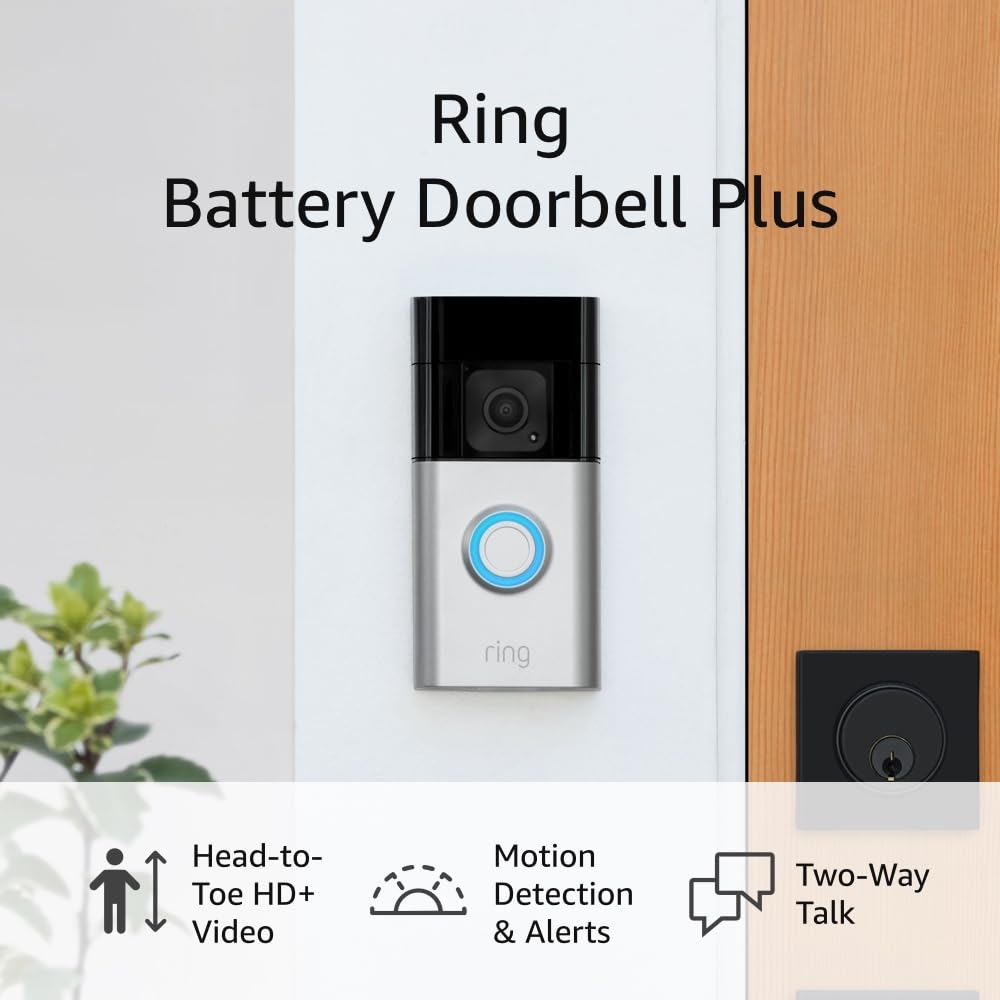
Before choosing between these cameras, check platform compatibility and how each camera with motion sensor works with your existing smart platform. If you already use a Nest Cam or several Nest Cams indoors, you may prefer a Nest Cam outdoor model so that cloud storage, notifications, and app controls remain consistent. For a deeper look at how your home network and IP addressing affect any Ring-style camera with motion detection, read this detailed guide on understanding the IP of your Ring camera before you invest in more security cameras.
Night vision, color night video, and infrared for safer late hours
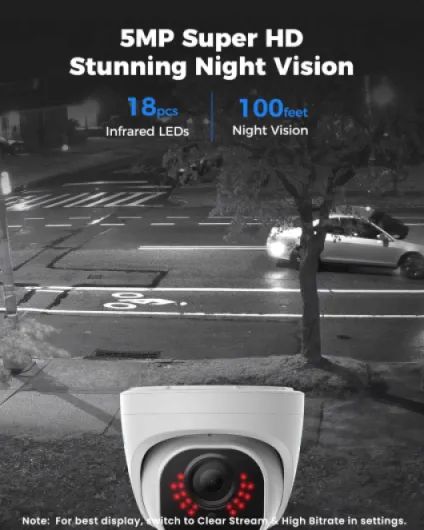
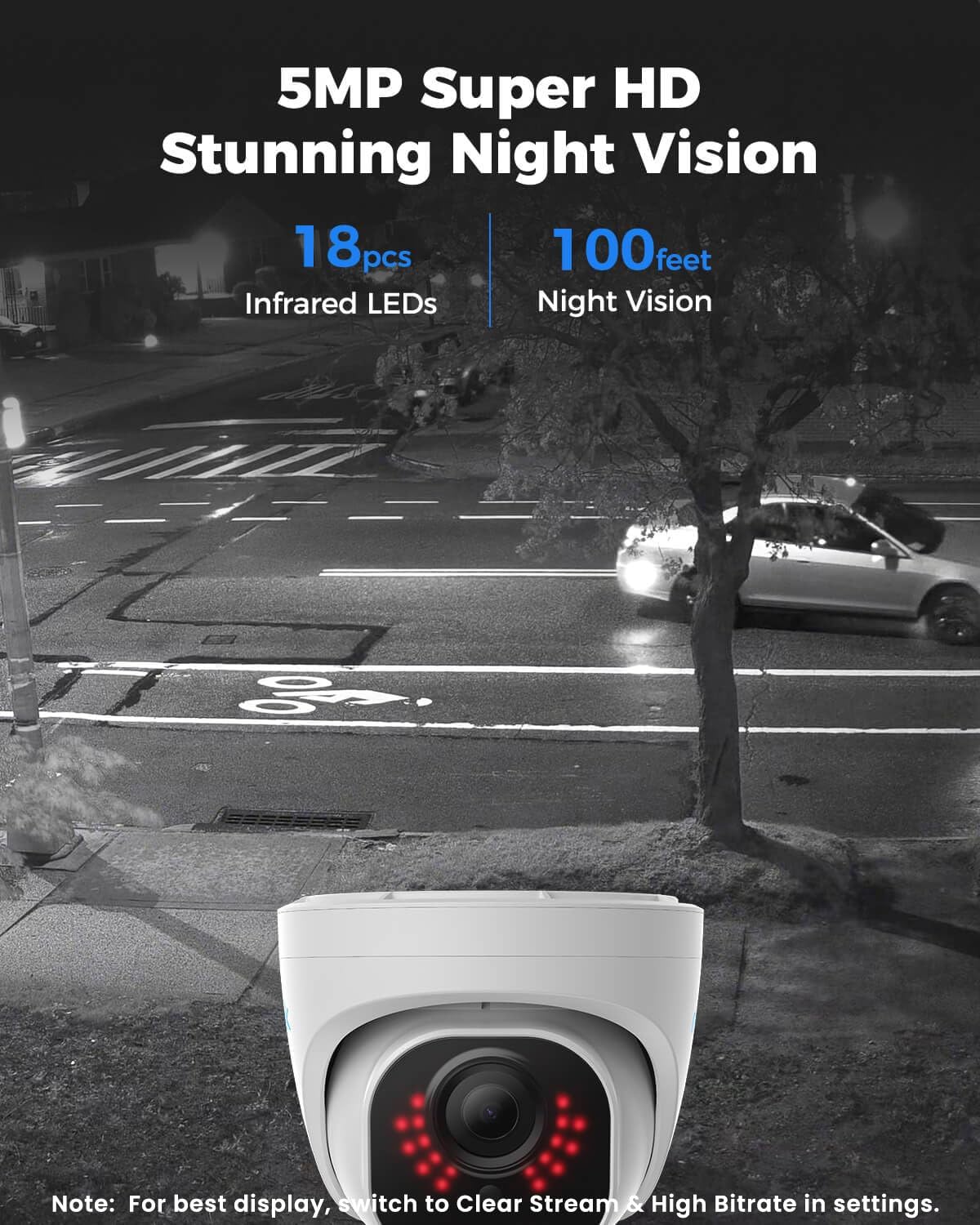
Night vision performance separates average cameras from the best security cameras with motion detection for real-world home protection. A security camera that delivers clear video in low light helps you identify faces, clothing, and vehicle details when motion detection triggers at two in the morning. Without strong night vision, even the smartest motion sensor or dual-lens design cannot provide the evidence you need after an incident.
Many outdoor cameras now offer color night video when there is some ambient light, using larger sensors and fast lenses to keep images bright without excessive noise. Some Arlo and Lorex models combine color night capabilities with infrared LEDs, switching intelligently between modes depending on how dark the scene becomes. Blink and SimpliSafe cameras usually rely more on traditional infrared night vision, which still works well for motion detection but may show people in monochrome rather than full color.
For Ring-style devices and similar security cameras, infrared illuminators play a crucial role in how far the camera with motion detection can see into the night. If you want to understand why some areas remain dark while others appear bright on your video system, consult this technical explanation of the role of infrared illuminators in Ring cameras. When evaluating product specs, always compare the stated night vision range, the presence of color night options, and how the motion sensor behaves when people move at the edge of that illuminated zone.
Smart features, facial recognition, and platform compatibility for daily use
Beyond basic recording, the best security cameras with motion detection now rely on smart features that reduce false alerts and add context to every event. A smart security camera can distinguish between people, vehicles, and animals, which means the motion detection system only notifies you when something truly relevant happens. Some high-end cameras even offer facial recognition, labeling familiar faces in the app so that you know when family members arrive safely at night.
Platform compatibility shapes how naturally these cameras fit into your daily routines, especially if you already use a smart platform such as Alexa, Google, or Apple HomeKit. Compatibility with Alexa, often called compatibility Alexa in product specs, lets you view a live video feed from your security cameras on an Echo Show or similar screen with a simple voice command. Nest Cams integrate tightly with the Google Home app, while Arlo and Blink cams often support multiple platforms, giving you flexibility if you change ecosystems later.
When comparing outdoor cameras, check whether each camera with motion detection supports local storage, cloud storage, or both, because this affects long-term costs and privacy. Some Lorex and ADT systems emphasize local storage on a recorder, while Nest Cam and many Ring-style devices lean on storage cloud subscriptions for extended video history. If you plan to add more cams over time, read this practical analysis on whether two cameras or four cameras make sense so that your security system remains manageable instead of overwhelming.
Storage choices, cloud subscriptions, and data protection
Every buyer looking for the best security cameras with motion detection eventually faces a key decision about storage and data control. A security camera that records only to cloud storage may seem simple at first, but subscription fees accumulate when you add more cameras and extend your video history. Local storage on a recorder or microSD card avoids monthly costs, yet it requires careful placement and protection of the device that holds your video.
Systems from Lorex and some ADT installers often use a central recorder for multiple wired outdoor cameras, which simplifies backup but concentrates risk in one physical box. Arlo, Blink, Nest Cam, and many Ring-style cameras rely heavily on storage cloud services, offering rolling video history, smart motion detection analysis, and easy sharing of clips with neighbors or authorities. When you evaluate product specs, compare how long each plan keeps your video, how many cams are covered, and whether advanced features like facial recognition or rich notifications depend on an active subscription.
People who prefer a hybrid approach can choose a camera with both local storage and cloud storage, gaining redundancy if one method fails. For outdoor security, this redundancy is especially valuable, because a thief might damage a visible cam or recorder while the cloud copy remains safe. Whatever option you select, secure your accounts with strong passwords and two-factor authentication, since the privacy of your night vision footage and motion detection alerts depends on more than just the hardware.
Practical placement strategies for night motion detection around the home
Getting the best security cameras with motion detection is only half the task, because placement and configuration determine how well they protect your home at night. A security camera should sit high enough to avoid tampering yet low enough that facial recognition and motion detection can capture clear details. For outdoor security, angle each cam slightly downward so that the motion sensor focuses on human height rather than distant traffic or tree branches.
Place wired outdoor cameras near fixed power and network points, such as under eaves or beside garages, while using battery cameras for gates, sheds, and garden paths where cabling is impractical. Combine a dual-lens camera with a standard cam to cover both a wide overview and a tight view of the entry point, ensuring that night vision and color night modes capture both context and detail. When you configure motion zones, start with narrow areas around doors and windows, then gradually expand until you balance early warning with manageable alert volume.
Indoor security cameras should avoid pointing directly at mirrors or windows, because reflections can confuse motion detection and reduce night vision effectiveness. If you use Nest Cams, Blink cams, or Arlo cameras indoors, test how their motion sensor reacts to pets and adjust sensitivity or activity zones accordingly. Over time, review your video system logs and storage usage to refine camera placement, ensuring that every important corridor, entrance, and outdoor path is covered without wasting storage cloud capacity on irrelevant motion.
Key statistics on motion detection and home security cameras
- According to a report from the European Union Agency for Cybersecurity (ENISA) on consumer IoT security published in October 2020, more than 20% of connected home security cameras examined in a recent study had at least one significant vulnerability, which underlines the need for strong passwords and regular firmware updates.
- Research from the U.S. Department of Justice, drawing on multiple National Crime Victimization Survey analyses released between 2019 and 2022, indicates that homes with visible security cameras or a clearly marked security system are up to 50% less likely to be targeted by opportunistic burglars compared with similar homes without visible deterrents.
- A consumer survey by Parks Associates on smart home device adoption, updated in 2022, found that over 60% of households choosing new outdoor cameras rated motion detection accuracy and night vision quality as more important than maximum video resolution when deciding which camera to buy.
- Data summarized in several major camera manufacturers’ annual reports and earnings calls between 2021 and 2023 show that cloud storage subscriptions now account for a significant share of revenue, with some brands reporting that more than 40% of active security camera users pay for extended video history or advanced motion analysis features.