

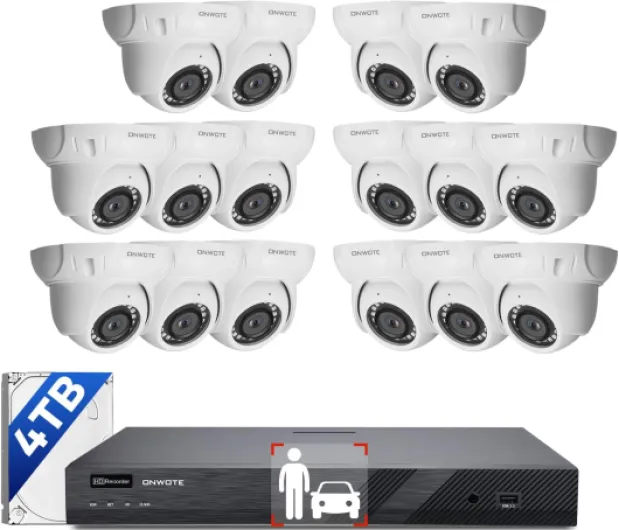
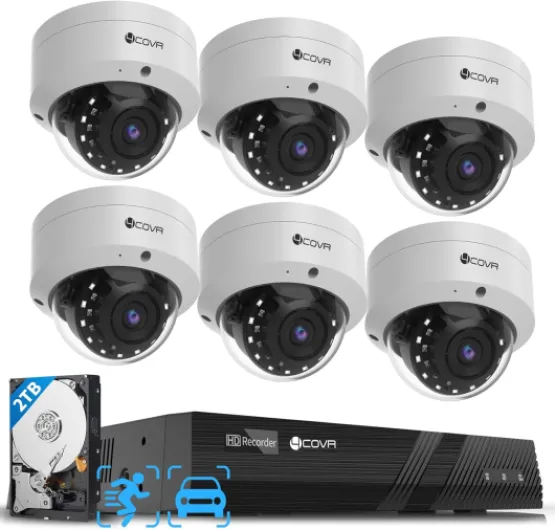
Understanding the basics of commercial security cameras
What Makes Commercial Security Cameras Different?
When it comes to protecting your business, understanding the essentials of commercial security cameras is crucial. Unlike basic home cameras, commercial systems are designed for larger spaces, higher traffic, and more complex security needs. They provide robust surveillance, advanced detection features, and integration with other security systems to help safeguard your assets and employees.
Types of Commercial Camera Systems
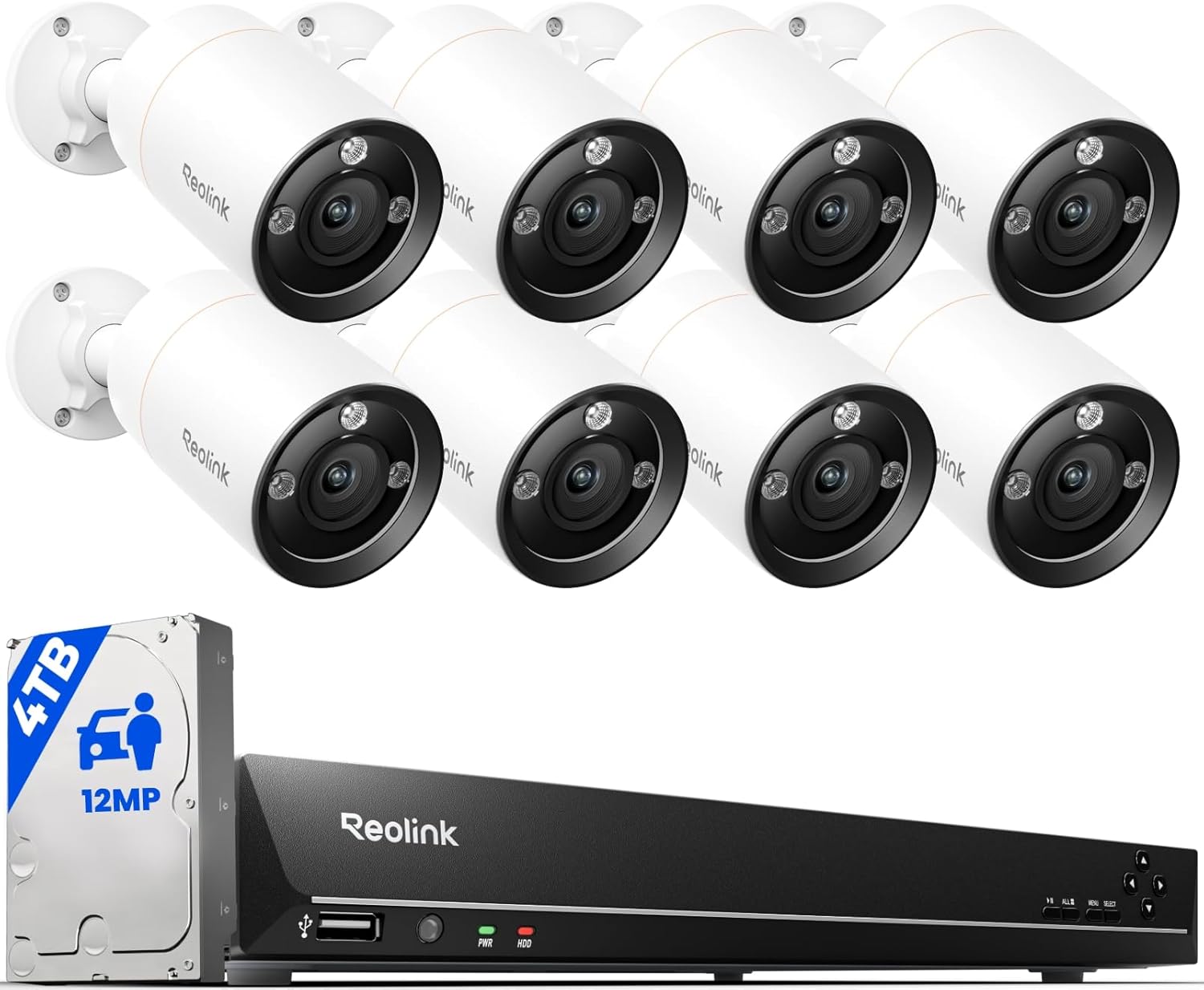
- Wired Systems: These offer stable connections and are less prone to interference. Wired security cameras often use PoE (Power over Ethernet) for both power and data, making installation cleaner and more reliable.
- Wireless Cameras: Easier to install and flexible for changing layouts, wireless cameras are popular in businesses that need to adapt quickly. However, they may require a strong Wi-Fi network for consistent video quality.
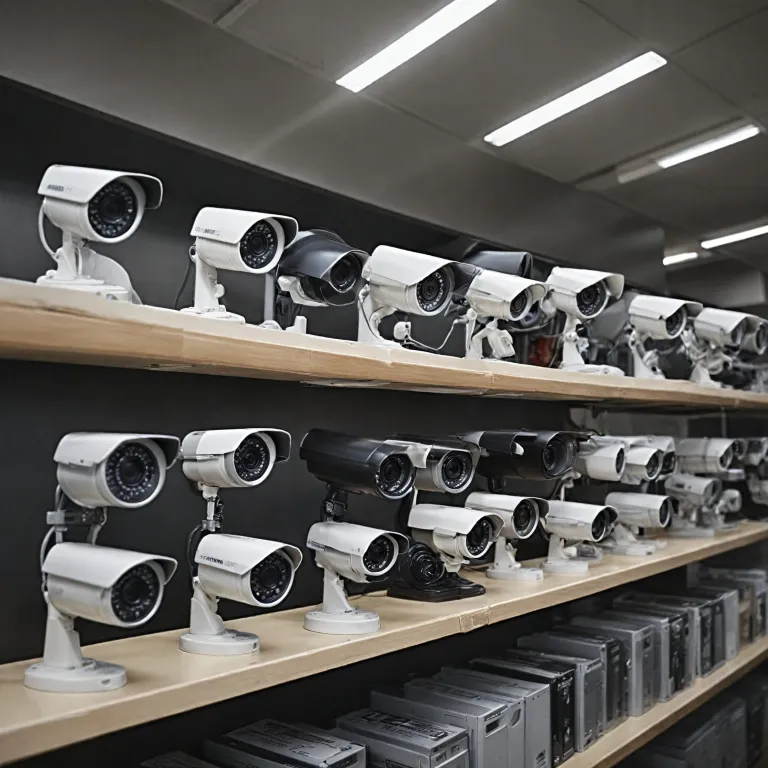
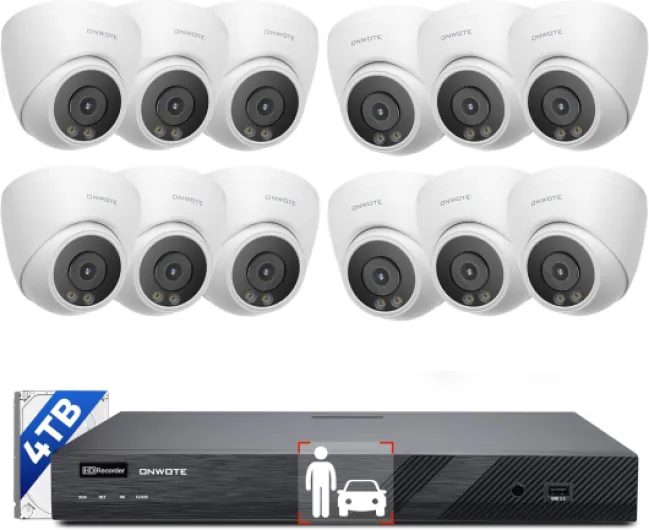
- NVR and CCTV: Network Video Recorders (NVR) and traditional CCTV systems are common in commercial settings. NVR security systems support IP cameras and often provide higher resolution video, while CCTV systems are known for their reliability in continuous surveillance.
Why Surveillance Matters for Your Business
Video surveillance is more than just recording footage. It acts as a deterrent against theft, helps monitor daily operations, and can provide evidence if incidents occur. With features like night vision, motion detection, and smart alerts, modern security cameras offer round-the-clock protection. Some systems even allow you to add more cameras or channels as your business grows.
Choosing the Right System for Your Needs
Consider the size of your premises, the number of entry points, and the level of detail you need from your video security. Commercial security cameras come in various price ranges, with options for color night vision, remote access, and integration with other security systems. Whether you need a multi-channel NVR, a wireless setup, or a commercial CCTV solution, the right system will provide peace of mind and help you focus on running your business.
For a deeper look at how modern surveillance technology is evolving, check out this article on how cellular security cameras are changing home surveillance.

Key features to look for in commercial security cameras
Essential Capabilities for Effective Surveillance
When selecting commercial security cameras for your business, it’s important to focus on features that directly impact your surveillance system’s performance and reliability. The right combination of features ensures your business security is robust and adaptable to evolving threats.
- Resolution and Image Quality: High-definition video is crucial for identifying faces, license plates, and other details. Look for cameras offering at least 1080p resolution. Some commercial cctv systems provide even higher clarity, which can be vital for large or high-traffic areas.
- Night Vision and Color Night: Effective surveillance doesn’t stop when the sun goes down. Cameras with infrared night vision or advanced color night capabilities allow for clear video security in low-light or no-light conditions.
- Wired vs. Wireless: Decide between wired and wireless systems based on your business’s infrastructure. Wired systems, such as PoE (Power over Ethernet) cameras, offer stable connections and are less susceptible to interference. Wireless cameras provide flexibility in placement but may require a strong network for reliable video surveillance.
- Detection Features: Smart detection, including motion and person detection, helps reduce false alerts and ensures your security system focuses on real threats. Some systems channel advanced analytics to distinguish between people, vehicles, and animals.
- Storage Options: Consider whether you need local storage (like NVR security or channel NVR systems) or cloud-based solutions. NVR (Network Video Recorder) systems are common in commercial security setups, offering reliable, scalable storage for multiple cameras.
- Integration and Scalability: Your camera system should integrate smoothly with other security systems, such as alarms or access control. Look for systems that allow you to add cameras or channels as your business grows.
- Weather Resistance and Durability: For outdoor surveillance, ensure cameras are rated for weather resistance and can withstand environmental challenges. Commercial cameras often provide higher durability than residential models.
- Price and Value: Balance your budget with the features you need. While it’s tempting to choose the lowest price, investing in reliable, feature-rich security cameras can save money and hassle in the long run.
For businesses operating in areas with unreliable internet or seeking extra privacy, you might want to explore how to secure your property with security cameras without WiFi. This can be especially relevant when considering wired or PoE camera systems for consistent video surveillance.
As you compare commercial security cameras, keep in mind how these features will fill your specific business needs and work with your existing systems. This approach ensures your investment in surveillance systems provides the security and peace of mind your business deserves.
Strategic placement for maximum coverage
Optimizing Camera Placement for Effective Surveillance
Getting the most out of your commercial security cameras starts with smart placement. The right positioning ensures your business security system covers all critical areas, reduces blind spots, and maximizes the value of your investment. Here are practical considerations to guide your setup:
- Entry and Exit Points: Place cameras at all main doors, loading docks, and emergency exits. These locations are high-traffic and often targeted for unauthorized access. A well-placed camera system here provides clear video evidence and acts as a deterrent.
- Reception and Public Areas: Surveillance in lobbies, waiting rooms, and customer service counters helps monitor interactions and protect both staff and visitors. For businesses with retail spaces, positioning cameras near cash registers and display areas is crucial for loss prevention.
- Perimeter and Parking Lots: Outdoor commercial cctv systems with night vision and color night capabilities are essential for monitoring parking areas, loading bays, and building exteriors. These cameras should be weather-resistant and, if possible, support smart detection features to alert you to unusual activity.
- Blind Spots and Vulnerable Zones: Every business layout is unique. Walk through your premises to identify areas that might be hidden from direct view, such as stairwells, storage rooms, or secluded corridors. Fill these gaps with additional cameras to ensure comprehensive coverage.
- Height and Angle: Mount cameras high enough to prevent tampering but angled to capture faces and key details. For wide areas, consider using a multi-channel nvr security system to connect several cameras, providing overlapping fields of view.
Balancing Visibility and Discretion
Visible cameras can deter unwanted behavior, but some situations call for more discreet surveillance. Commercial security systems offer both options. For example, wireless cameras are easier to conceal, while wired poe cameras provide reliable video feeds for high-traffic or sensitive zones.
Leveraging Technology for Maximum Coverage
Modern surveillance systems channel advanced features like motion detection, smart alerts, and remote monitoring. Integrating these with your existing security system allows you to respond quickly to incidents. Multi-channel nvr systems make it easy to manage footage from several locations, while video security analytics help you identify patterns and potential risks.
For businesses operating at night or in low-light conditions, understanding the role of infrared illuminators in Ring cameras is essential for clear video surveillance after dark.
Adapting to Your Business Needs
Every business is different. Whether you need a robust commercial cctv system for a warehouse or a flexible wireless setup for a small office, tailor your camera systems to your unique requirements. Consider price, installation complexity, and ongoing maintenance when choosing between wired, wireless, or hybrid solutions. The right placement and technology will provide peace of mind and help protect your assets around the clock.
Addressing privacy and legal considerations
Balancing Surveillance and Privacy in Your Business
When installing commercial security cameras, it’s essential to respect privacy laws and ethical standards. Surveillance systems can provide robust security, but improper use may expose your business to legal risks and damage trust with employees and customers.- Know the legal boundaries: Laws vary by region, but most require clear signage indicating video surveillance. Avoid placing cameras in private areas such as restrooms or break rooms. Always check local regulations for commercial cctv and video surveillance.
- Inform your team: Transparency is key. Let employees know where cameras are located and how footage will be used. This helps foster a sense of security without feeling intrusive.
- Handle footage responsibly: Store video securely, limit access to authorized personnel, and set clear retention policies. Many nvr security and channel nvr systems offer encrypted storage and user permissions to help with compliance.
- Consider customer privacy: If your business serves the public, position cameras to monitor entrances, exits, and transaction points, but avoid capturing sensitive customer interactions unless absolutely necessary for security.
Best Practices for Compliance and Trust
- Use security camera systems that provide audit trails and access logs. This is especially important for larger businesses using multi-channel security systems or advanced surveillance systems.
- Regularly review your security system policies to ensure they align with current laws and best practices.
- If you use smart or wireless cameras, ensure your network is secure to prevent unauthorized access to video feeds.
Integrating cameras with other security systems
Connecting Surveillance to a Unified Security Network
Integrating your commercial security cameras with other security systems is a crucial step for businesses aiming to strengthen their overall protection. A well-connected camera system doesn’t just record video; it works in harmony with alarms, access controls, and smart detection tools to provide a comprehensive security solution.
- Centralized Management: Modern surveillance systems often use a network video recorder (NVR) or a channel NVR. This allows you to manage multiple cameras, review footage, and control settings from a single interface. Centralized management is especially valuable for businesses with several locations or large premises.
- Alarm and Access Control Integration: By linking your camera system with alarm systems and access control, you can automate responses to security events. For example, if unauthorized access is detected, the system can trigger cameras to record, send alerts, or even lock doors automatically.
- Smart Detection and Analytics: Many commercial security cameras now offer advanced detection features, such as motion detection, facial recognition, and license plate reading. When integrated with your broader security system, these features help filter false alarms and provide actionable intelligence for your business security team.
- Wired vs. Wireless Integration: Wired systems, such as PoE (Power over Ethernet) cameras, often provide more reliable connectivity and easier integration with existing network infrastructure. Wireless cameras offer flexibility in placement but may require additional steps to ensure secure and stable connections within your business environment.
- Video Surveillance and Monitoring: Integrating video surveillance with other systems allows for real-time monitoring and rapid response. For example, when a detection event occurs, the system can automatically display the relevant camera feed on your monitoring station or mobile device.
Choosing Compatible Systems and Channels
When selecting commercial security cameras and related systems, compatibility is key. Ensure that your cameras, NVR security devices, and other components support the same protocols and can communicate seamlessly. This is particularly important if you plan to expand your surveillance systems or add new channels in the future.
| System Type | Integration Benefit | Considerations |
|---|---|---|
| Wired (PoE, NVR) | Stable connection, easy central management | Requires cabling, higher initial price |
| Wireless | Flexible placement, easier to add cameras | Potential for interference, needs strong network |
| Smart Cameras | Advanced detection, remote access | Check compatibility with existing systems |
By integrating your commercial CCTV, video security, and surveillance systems, you provide your business with a robust, scalable, and responsive security network. This approach not only enhances protection but also streamlines management and helps you get the most value from your investment in security cameras and systems channel solutions.
Maintenance and troubleshooting tips
Regular Checks and Cleaning
Keeping your commercial security cameras in top condition starts with routine inspections. Dust, debris, or spider webs can affect video quality, especially for outdoor surveillance systems. Gently clean camera lenses with a microfiber cloth and check for any physical damage. For wired and wireless camera systems, ensure all connections are secure and cables are intact. If your business uses a poe or nvr security system, verify that power and data connections are stable to prevent downtime.
Software Updates and System Health
Security camera manufacturers often release firmware updates to improve performance and patch vulnerabilities. Set reminders to check for updates on your commercial cctv or smart camera system. Regularly review your video security software for any alerts or error messages. If your system includes a channel nvr or multi-channel security setup, monitor storage capacity and make sure video footage is being recorded as expected. This helps maintain the integrity of your business security footage.
Troubleshooting Common Issues
- No video feed: Check power sources, network connections, and ensure the nvr or dvr is functioning.
- Poor night vision or color night issues: Clean the lens and verify that infrared or color night settings are enabled. Replace faulty IR LEDs if needed.
- Motion detection not working: Adjust sensitivity settings and confirm detection zones are correctly configured.
- Wireless camera offline: Reboot the camera and router, and check Wi-Fi signal strength. For poe systems, inspect the ethernet cable and switch.
Maintaining System Security
Protect your business security system by updating passwords regularly and enabling two-factor authentication if available. Limit access to the surveillance system channel to authorized personnel only. For commercial security, consider periodic audits of user permissions and review logs for unusual activity.
When to Seek Professional Help
If you encounter persistent issues with your security cameras, such as repeated video loss or hardware failures, it may be time to contact a certified technician. Professional maintenance can provide peace of mind and ensure your commercial security systems continue to provide reliable surveillance for your business.