
Summary
Editor's rating
Value for money: where it shines and where corners are cut
Design and mounts: compact NVR, decent domes, but the bracket could be better
Weather resistance and long-term reliability (so far)
Image quality, night vision and smart detection in real use
What you actually get in the box and how it fits together
How well it actually protects your place day-to-day
Pros
- Good 5MP image quality with clear day and night footage
- Complete PoE kit with NVR, 2TB HDD and cables included, ready to install
- Reliable app and human/vehicle detection with no cloud subscription required
Cons
- Camera mounting bracket can rotate too easily and may need a DIY fix
- Interface feels a bit dated and lacks deep smart-home integration

Specifications
View full product page →| Brand | Reolink |
A wired CCTV kit for people who are done with flaky Wi‑Fi cameras
I picked up the Reolink RLK8-520D4-5MP kit because I was tired of random Wi‑Fi cameras dropping off the network and chewing through cloud subscriptions. I wanted something simple: plug it in, record 24/7, and be able to check my place from my phone without turning into a full-time IT admin. This kit is an 8‑channel PoE NVR with 4x 5MP cameras and a 2TB hard drive already inside, so on paper it ticked most of those boxes.
I’ve been running it for a few weeks on a small house: two cameras on the front, one on the back, one watching the driveway. Everything is hooked straight into the NVR with the included Ethernet cables. No separate power supply for cameras, no Wi‑Fi pairing dance, just PoE. I’m not an installer, just reasonably handy with a drill, and I managed to get it up and running without wanting to throw it out the window.
Overall, it’s not perfect, but it’s pretty solid. The video quality is good enough to clearly see faces and number plates at short distances, the night vision is decent, and the app is way less painful than some other budget CCTV brands I’ve tried. There are some quirks though: the interface feels a bit old-school, the camera mounts aren’t the best design ever, and the AI detection is good but not magical.
If you’re after something plug-in-and-forget with local recording and you don’t mind running cables, this system gets the job done. If you hate drilling, want super polished smart-home integration, or need 4K level detail, there are better (and more expensive) options. But for the money, it’s a pretty sensible middle ground.
Value for money: where it shines and where corners are cut
For what you pay, this kit sits in a pretty sweet spot. You get 4x 5MP PoE cameras, an 8‑channel NVR, a 2TB hard drive already installed, and all the cables and bits you need to get going. If you price those parts separately – NVR, HDD, four PoE cams, patch leads – it usually comes out more expensive, especially if you stick with half-decent brands. So on pure hardware value, it’s good. You’re not buying the cheapest thing on Amazon, but you’re also nowhere near the cost of full pro-grade systems.
Compared to random budget brands I’ve tried, the Reolink software is more polished and stable. The app works, the PC client works, and you get proper RTSP/ONVIF support if you want to use Blue Iris or another NVR later. For me, that alone is worth paying a bit more. I’ve had cheap kits where the app was borderline unusable, and that kills the whole point of remote CCTV. Also, Reolink’s customer service actually responds and sends replacements or small refunds when there’s an issue, which isn’t always the case with white‑label gear.
Where they clearly saved some money is the mount design and maybe the overall UI look. The bracket needing a DIY fix to stop rotation is a bit lame, and the NVR interface feels dated compared to some newer systems. Also, you’re limited to Reolink cameras if you want full feature support easily, though standard protocols mean you can mix brands if you’re comfortable tinkering. There’s no built-in smart-home integration either, so if you want deep Alexa/Google/HomeKit stuff, this isn’t it.
Overall, I’d call it good value for most homeowners and small businesses who just want reliable recording without a cloud subscription. If you want 4K resolution and super polished software, you’ll need to jump up a price bracket or two. If your budget is very tight and you go cheaper, you’ll likely give up on app quality, support, or long-term reliability. This kit hits a practical middle ground that, for me, feels fair for the price.
Design and mounts: compact NVR, decent domes, but the bracket could be better
The overall design is pretty no-nonsense. The NVR is a small black box that doesn’t scream for attention. It’s light, reasonably compact, and you can easily hide it in a cupboard, loft, or under a desk. It has PoE ports on the back for up to 8 cameras, two USB ports (one for the mouse, one spare), HDMI and VGA out, and a network port to your router. Nothing fancy, but it feels like a proper DVR/NVR, not a toy gadget.
The cameras are small dome-style units, which I prefer over big bullet cameras for a house because they look less aggressive. They sit fairly close to the wall or soffit, and once installed they’re not that obvious from the street. You still clearly see there’s CCTV, but it doesn’t make the place look like a warehouse. The white finish is standard – nothing stylish, but it blends okay with most gutters and walls.
Now, the mount design is a mixed bag. On the positive side, each camera has a separate mounting plate, which means you don’t have to open the camera itself to fix it to the wall. That helps keep moisture out, and you’re less likely to end up with condensation inside the dome. Another plus is that you get good adjustment: you can pan, tilt, and twist the camera to line up your view, so you’re not stuck with weird tilted horizons.
On the downside, the way the camera locks into position isn’t perfect. More than one user (and I agree) found that the dome can rotate too easily if it gets knocked. In my case, a football hitting it did move it slightly. It’s not falling off the wall or anything, but it doesn’t feel as rock solid as some other mounts I’ve seen. The workaround a lot of people use – and that Reolink support has actually okayed – is adding a small screw through the bracket to bite into the camera body and stop unwanted rotation. It works, but you shouldn’t really have to hack a brand-new product like that. So design-wise: cameras look fine, NVR is discreet, but the mounting mechanism could definitely be more secure.
Weather resistance and long-term reliability (so far)
In terms of durability, I can’t claim multi-year experience yet, but a few weeks of typical bad weather has given a decent idea. The cameras are mounted on an exposed wall and under the gutter, and they’ve seen heavy rain, wind, and some temperature swings. No water ingress, no fogging inside the dome, and no obvious corrosion or discolouration yet. Other users who’ve had them for months in British weather also report they just keep going, which is reassuring.
The separate sealed camera body design helps here. Since you don’t open the dome to mount it, you’re not letting moisture in during installation. I’ve had cheaper domes in the past where I had to unscrew the cover, mount it, then screw it back on, and after a few months there was permanent condensation inside. With these Reolink domes, that hasn’t happened so far and other reviews say the same. It’s a small design detail, but for outdoor use it matters.
The NVR itself just sits inside, so it’s not dealing with the elements. It does run 24/7, and the built-in 2TB HDD is always spinning if you set continuous recording. That means there’s some heat, but nothing unusual. I can hear a very faint hum if I’m right next to it, but it’s not loud enough to be annoying in a living room or small office. Long-term, hard drives are always a wear item, but the fact that you can replace or upgrade the drive yourself is a big plus. You’re not stuck with a sealed box.
One weak spot as mentioned earlier is the mounting stability. The camera itself seems tough enough, but if it can be nudged out of alignment by a light knock, that’s a practical durability issue. You don’t want to discover after an incident that the camera has been slowly turning away from the area you care about. If you add that small screw through the bracket (which Reolink has said is fine for warranty), it basically fixes it. Still, I’d count this as an area where they could improve the hardware in the next revision.
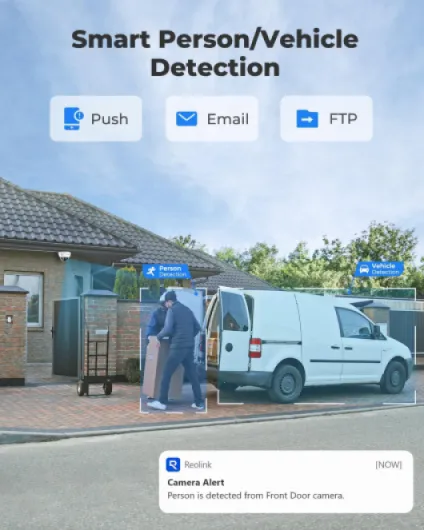
Image quality, night vision and smart detection in real use
Performance-wise, the system is pretty solid for a 5MP setup. The cameras record at 2560x1920, and during the day the image is sharp enough to read number plates within a reasonable distance and clearly see faces at the door or in the driveway. Colours are decent, not TV-level, but more than enough for security footage. Compared to an older 1080p kit I used before, the extra detail is noticeable when you zoom in on recordings – you can actually make out smaller details like clothes logos or tools in someone’s hand.
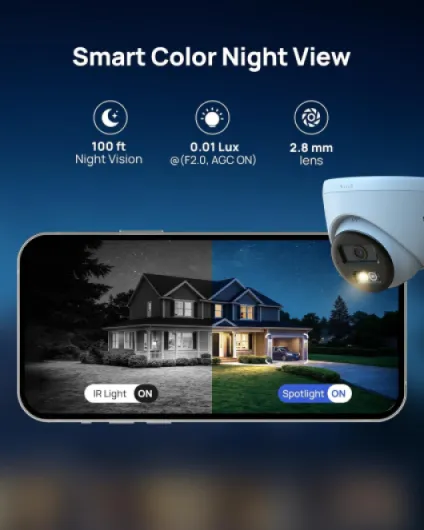
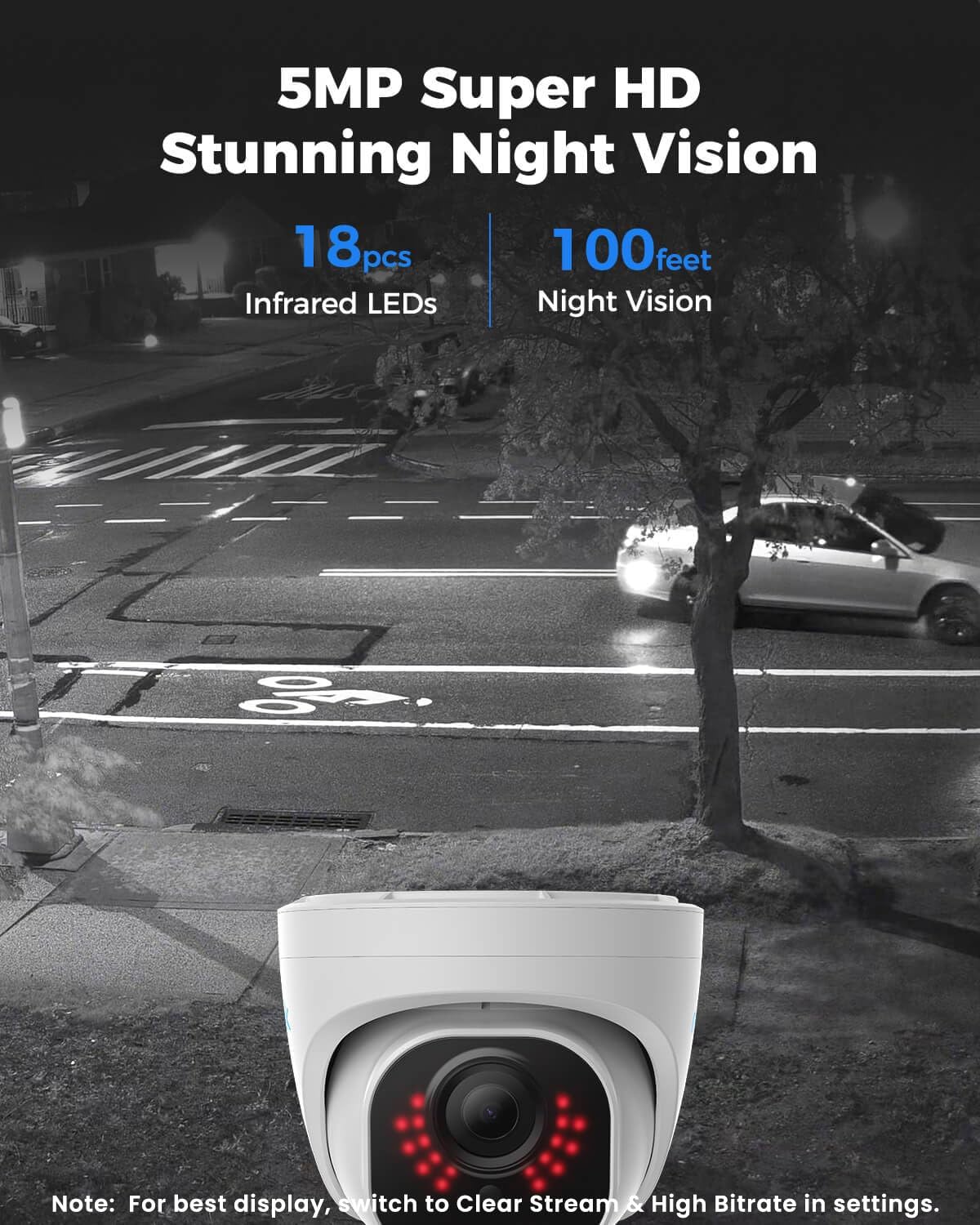
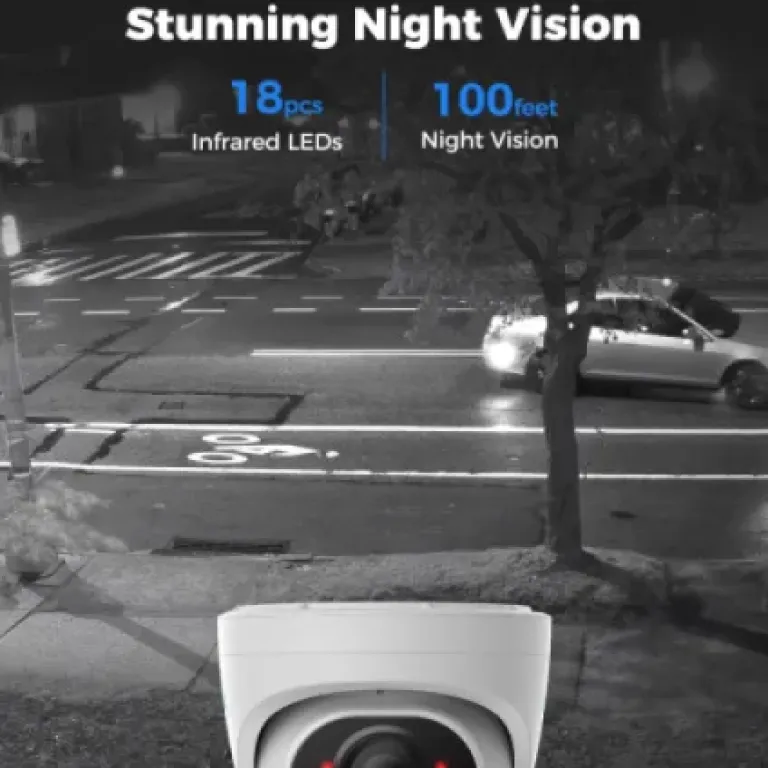
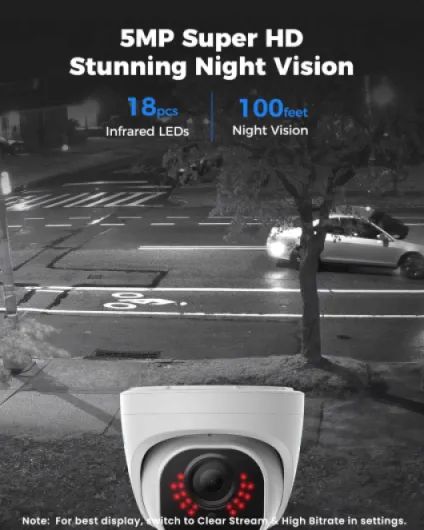
Night vision is about what you’d expect from a system in this price range. Each camera has infrared LEDs and reaches roughly 30 metres / 100ft in the dark. In my case, front garden and driveway are well covered. The image is black and white at night, but it’s clear. You can see people, cars, and general movement without much trouble. If you have a porch light or street light nearby, the cameras automatically switch between night mode and day mode. I was slightly worried about them being close to an outside light, but they handle the change fine – they just click over to colour when the light comes on.
The AI human/vehicle detection is actually one of the nicer parts. Instead of spamming you for every branch that moves, it mostly focuses on people and cars. I set mine to alert only on humans for the front door and humans + vehicles for the driveway. It’s not perfect – heavy rain or spiders on the lens can still trigger the motion – but the false alerts are way fewer than cheap motion-only systems I’ve used. You can also set zones to ignore certain areas, like a neighbour’s garden, which helps a lot.
Remote access is fine. On 4G, live view can lag a little if you try to watch all four cameras at full quality, but switching to substream (lower resolution) fixes it. Playback of recorded clips from the phone app is usable, although not lightning fast if your upload speed at home is poor. On a local network, it’s smooth. Overall, the system doesn’t feel sluggish or flaky once it’s set up. It just quietly records and lets you check in when you want, which is the whole point.
What you actually get in the box and how it fits together
This kit is basically a full starter package. You get an 8‑channel PoE NVR with a 2TB hard drive preinstalled, 4x 5MP PoE dome cameras, 4x 18m Ethernet cables for the cameras, a short network cable for the NVR, HDMI cable, mouse, power adapter, screw packs, mounting templates, and even little CCTV warning stickers. In practice, if your house isn’t huge, you don’t really need to buy anything extra apart from a drill and maybe a longer Ethernet cable or two if you’re going to weird corners.
Setup is fairly straightforward. You connect the NVR to your router with the included network cable, plug the cameras into the PoE ports on the back, then hook the NVR to a monitor or TV with HDMI. On first boot it runs a quick wizard: set password, time, network, and you’re basically recording. The nice thing is that power and data are on the same cable, so each camera only needs that single Ethernet lead. No messing with separate power bricks or sockets near every camera.
Reolink’s app is free and you don’t need a subscription for basic stuff. You scan a QR code on the NVR, and suddenly you can see your cameras from your phone over 4G/5G or Wi‑Fi. I had all four cameras viewable on my phone in under 10 minutes once the physical install was done, which is honestly faster than many Wi‑Fi cameras I’ve tested that insist on endless pairing retries. It’s not fancy, but it works.
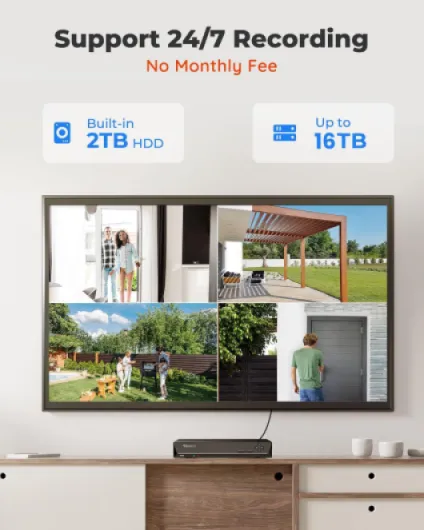
One thing worth noting: the NVR supports up to 8 cameras, but the kit only includes 4. So if you think you might add more later (garage, side alley, inside a shop, etc.), this is actually convenient. You just buy extra compatible Reolink PoE cameras and plug them straight in. The 2TB drive will cover a few days of 24/7 recording for 8 cameras at high quality, or about a week for 4 cameras, based on my real use. If you need more history, you can stick in an extra hard drive up to 8TB and bump the total to 16TB.
How well it actually protects your place day-to-day
In practice, the system does what I wanted: it acts as a visible deterrent and gives me usable footage when something happens. Since installing it, the random messing around near my driveway has stopped, and just having the domes visible near the front door seems to calm things down. That matches what other buyers said about neighbour issues – once the cameras went up, the harassment slowed or stopped. People behave differently when they know they’re on record.
For day-to-day use, the timeline and playback on the NVR are pretty straightforward. You can scrub by date and time, or jump to events flagged as human/vehicle. That saves a ton of time compared to old systems where you had to fast-forward through hours of nothing. On the phone app, you can quickly filter by event type and time window, then download a short clip if you need to share it. It’s not the slickest interface in the world, but it’s clear enough once you’ve used it a couple of times.
One detail I liked is the ability to mask areas in the image. For example, I blocked out my neighbour’s garden so I’m not recording their space all day. That keeps things cleaner from a privacy point of view, and also reduces pointless motion alerts. You still get a clear view of your own property and the street where your car is parked, but you’re not spying on half the neighbourhood.
Is it perfect security? No. There’s no active deterrent like a siren on the camera, and there’s no direct smart-home tie-in (no Alexa announcements or lights turning on automatically when motion is detected). But as a classic CCTV setup with local storage, decent alerts, and easy remote access, it’s effective. You get recordings that are clear enough to hand to police or to settle neighbour disputes, and you’re not paying a monthly fee for the privilege.
Pros
- Good 5MP image quality with clear day and night footage
- Complete PoE kit with NVR, 2TB HDD and cables included, ready to install
- Reliable app and human/vehicle detection with no cloud subscription required
Cons
- Camera mounting bracket can rotate too easily and may need a DIY fix
- Interface feels a bit dated and lacks deep smart-home integration
Conclusion
Editor's rating
If you want a straightforward, wired CCTV system with local recording and you’re okay running Ethernet cables, the Reolink RLK8-520D4-5MP is a solid option. The 5MP cameras give clear footage in both day and night conditions, the NVR records 24/7 out of the box with its 2TB drive, and the app is simple enough that you don’t need to be a tech nerd to use it. Human/vehicle detection cuts down on useless alerts, and being able to mask neighbours’ areas is handy both for privacy and for keeping the notifications under control.
It’s not flawless. The camera mounting system is the main annoyance: it works, but it can be knocked off angle too easily unless you add a small screw as a workaround. The interface on the NVR looks a bit dated, and there’s no deep smart-home integration if that matters to you. Also, if you’re chasing ultra-detailed 4K footage, this 5MP kit sits a step below that.
Who is it for? Homeowners or small business owners who want a dependable, wired CCTV setup with decent image quality, no monthly fees, and a reasonable price. Who should skip it? People who hate drilling and cabling, those who want cloud-only, Wi‑Fi cameras with fancy smart features, or anyone specifically chasing top-tier 4K resolution and very polished UI. For everyone else, it’s a pretty solid, no‑nonsense choice that gets the job done without too much hassle.